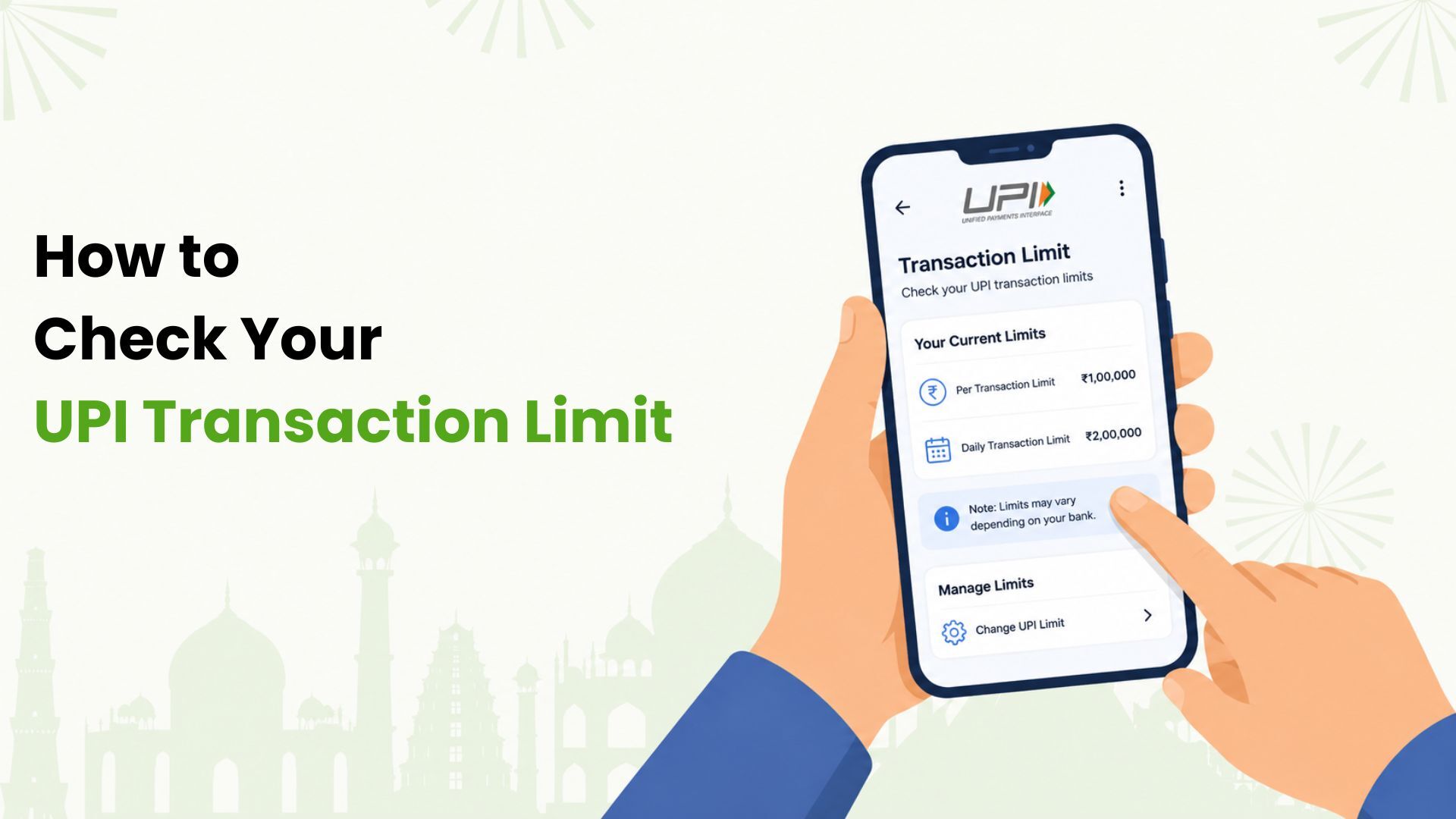
You can usually check your UPI transaction limit inside your UPI app, your linked bank account settings, or your bank’s official help page. If the app does not show the exact limit, check your bank’s UPI FAQ or contact bank support.
UPI limits are not always shown in one simple place because different limits can apply at the same time. You may have a per-transaction limit, a daily amount limit, a daily transaction count limit, a new-user limit, or a bank-level security limit.
What UPI limits should you check?
When people say “UPI limit”, they may mean different things. Before you assume your limit is
₹1 lakh or 20 transactions, check which limit applies to your situation.
| Limit type | What it means |
|---|---|
| Per-transaction limit | Maximum amount allowed in one UPI payment |
| Daily amount limit | Total amount you can send in a day |
| Transaction count limit | Number of successful UPI payments allowed in a day |
| Bank account limit | Limit set by your linked bank |
| App-level rule | Limit or risk check applied by the UPI app |
| New-user limit | Temporary lower limit after registration or account linking |
| Merchant-category limit | Higher or different limit for select verified merchant categories |
If a payment fails, the failure may be because of any one of these limits.
How to check your UPI limit in an app
Most UPI apps keep limit details near the bank account or payment method section. The exact menu names vary, but the process is usually similar.
Try this flow:
- Open the UPI app you use.
- Tap your profile photo, account icon, or menu.
- Open Bank account, Payment methods, or UPI settings.
- Select the bank account used for UPI.
- Look for UPI limits, transaction limits, daily limits, or manage limits.
- Check whether the limit is per transaction, per day, or per 24 hours.
If you use more than one UPI app, repeat this check for each app. But remember that the real limit may still apply at the bank account level. If one app says the bank limit is exhausted, switching apps may not always solve the issue.
How to check your UPI limit with your bank
Your bank is the most reliable place to confirm account-level limits. UPI apps show useful information, but banks can set their own limits within the allowed framework.
You can check bank limits through:
- Your bank’s mobile banking app.
- Your bank’s internet banking portal.
- The bank’s official UPI FAQ or charges/limits page.
- Customer support or branch support.
- Failed transaction messages in your bank or UPI app.
When checking with your bank, ask for three things:
- Daily UPI amount limit.
- Per-transaction UPI limit.
- Daily transaction count limit.
Also ask whether limits differ for savings accounts, current accounts, newly added beneficiaries, newly linked UPI IDs, and merchant payments.
Why your UPI limit may be lower than expected
Many users expect every UPI payment to work up to ₹1 lakh, but real transactions can fail below that amount.
Common reasons include:
- Your bank has a lower daily cap.
- You already used part of your daily amount limit.
- You reached the transaction count limit.
- The per-transaction limit is lower than the amount entered.
- Your UPI ID or bank account was recently linked.
- The payment looks risky to the app or bank.
- The merchant category does not support the higher limit.
- The receiving bank or payment system has a temporary issue.
- You are trying a RuPay credit card on UPI where the merchant does not accept that payment method.
The error message may not always explain the exact reason clearly.
How to check limits for RuPay credit card on UPI
RuPay credit card on UPI can have rules that differ from normal bank-account UPI. The limit may depend on your card issuer, available credit limit, UPI app, merchant acceptance, risk checks, and card controls.
If you are using a RuPay credit card on UPI, check:
- Available credit limit.
- Card transaction controls.
- UPI app payment method settings.
- Whether the merchant accepts credit card on UPI.
- Any per-transaction or daily cap shown by the issuer or app.
- Reward eligibility and excluded transaction categories.
Do not assume your bank-account UPI limit and RuPay credit card on UPI limit are the same.
How Kiwi users should think about UPI limits
Kiwi helps eligible users pay merchants through UPI using a RuPay credit card. This can be useful if you make frequent merchant QR payments and want app-based card management with cashback on eligible transactions.
For Kiwi users, there are a few limits to keep in mind:
- Your card approval and credit limit depend on issuer criteria.
- Your available credit limit affects how much you can spend.
- UPI merchant acceptance may vary.
- Rewards and cashback depend on current Kiwi terms and eligible transactions.
- Some payment categories may not be supported.
Kiwi does not override UPI network rules, bank limits, issuer controls, or merchant acceptance rules. If a payment fails, check the Kiwi app, your card issuer details, the UPI app message, and the merchant payment method.
What to do if your UPI payment fails
Use this checklist:
- Check if the amount is above your per-transaction limit.
- Check if you crossed the daily amount limit.
- Count how many successful UPI payments you made in the last 24 hours.
- Try a smaller amount only if it is appropriate for the payment.
- Check whether your bank account or card was recently linked.
- Confirm the receiver or merchant details.
- Check if the merchant accepts your payment method.
- Wait and retry later if the bank or UPI service is temporarily unavailable.
- Contact your bank or issuer if the issue repeats.
Avoid using repeated retries as a workaround. If your limit is genuinely exhausted, the payment will usually keep failing until the limit resets.
Frequently Asked Questions
Where can I see my UPI transaction limit?
Check the bank account or payment method section in your UPI app. If the app does not show the full limit, check your bank’s official UPI FAQ or contact bank support.
Is my UPI limit the same on every app?
Not always. App screens can differ, but many limits apply at the bank account level across apps. If your bank account limit is exhausted, another UPI app may not fix it.
Why does my UPI app say limit exceeded?
It may mean you crossed your daily amount limit, transaction count limit, per-transaction cap, bank limit, or temporary risk limit.
Can I increase my UPI limit?
Most standard UPI users cannot manually increase the usual limit from the app. Some higher limits apply only to select payment categories, banks, merchants, and use cases.
How do I check the limit for credit card on UPI?
Check your card issuer controls, available credit limit, UPI app payment method settings, and merchant acceptance. RuPay credit card on UPI can have different rules from bank-account UPI.
Does Kiwi set my UPI limit?
No. Kiwi does not set UPI network limits or bank limits. Kiwi helps eligible users make merchant UPI payments using a RuPay credit card, subject to issuer approval, available credit limit, merchant acceptance, and Kiwi terms.
Disclaimer: Daily UPI transaction count and amount limits are subject to NPCI guidelines, respective bank account rules, and app-level risk management policies. Kiwi does not control or alter standard bank-account UPI limits, network risk parameters, or regulatory transaction caps. RuPay credit card usage on UPI is restricted to eligible merchant payments (P2M) only as per prevailing rules. Kiwi is operated by Gokiwi Tech Private Limited.