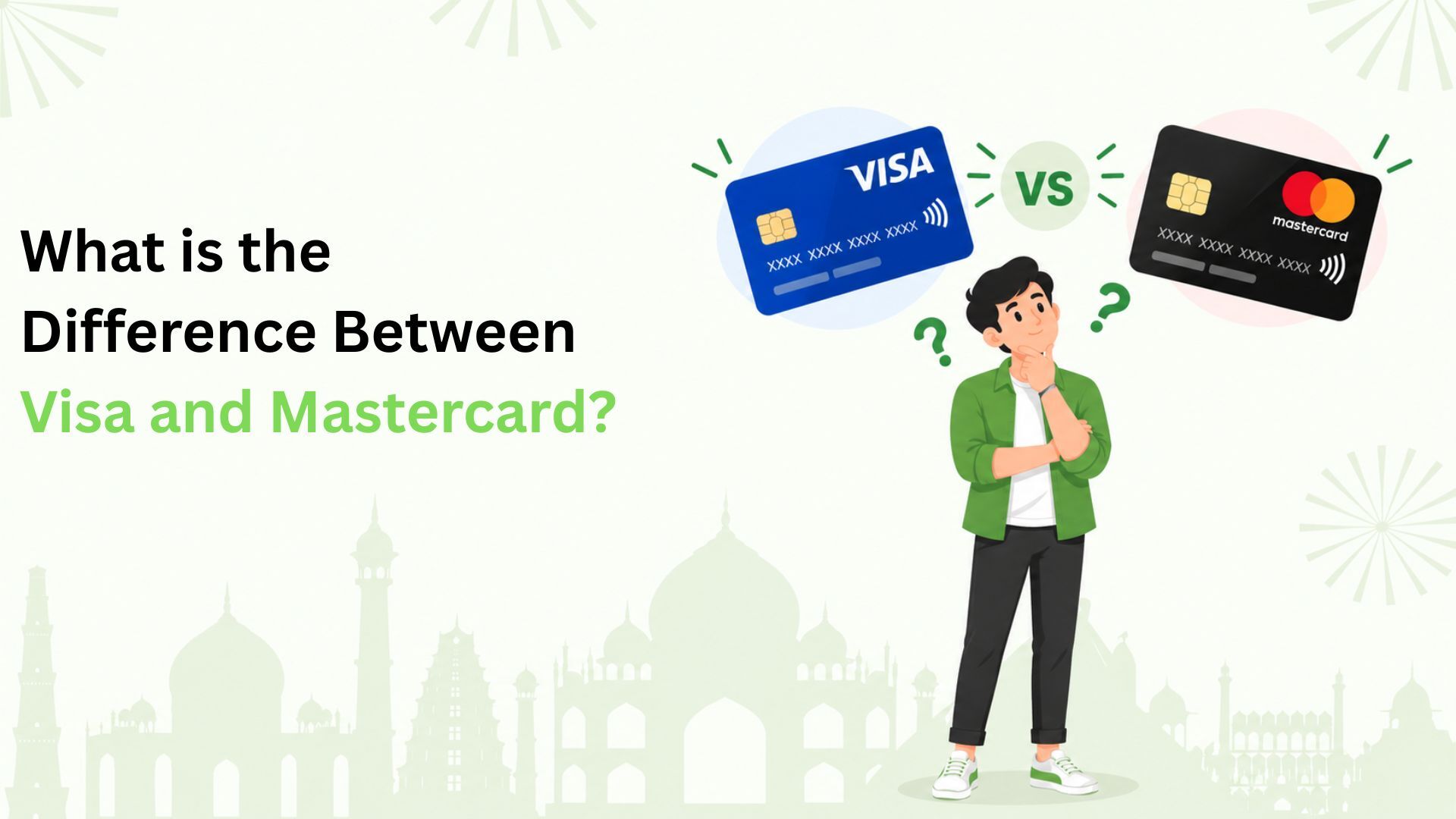
What is the difference between Visa and Mastercard? For Indian credit card users, it comes down to where the card works, the offers available and the exchange rate used for overseas payments. Your bank or card issuer decides your credit limit, interest charges and most card benefits.
Both networks support everyday card payments in India and abroad. Choosing between them starts with understanding what you will actually use: lower fees, useful cashback, travel benefits or a particular payment method.
Here is what to check before applying for a card.
What The Network Does And What Your Bank Decides
Visa and Mastercard help card payments move between your bank and the business you are paying. The logo tells you which network handles the payment. The bank or company that gives you the card is called the issuer.
Imagine paying ₹800 for groceries with a credit card. The shop’s payment system sends the request through the card network. Your issuer checks the transaction and available credit, then sends back an approval or decline. The network carries that response to the shop.
Your issuer manages your account, sends statements and handles repayments. It also decides who can apply and what the card costs. If you have a question about your bill, contact your issuer.
This distinction matters when comparing two offers. Two cards on the same network can have very different costs and benefits.
Visa Vs Mastercard at A Glance
| What you are comparing | Visa | Mastercard |
| Where it works | Shops and websites that accept Visa | Shops and websites that accept Mastercard |
| Network offers | Visa offers, with conditions set for each offer | Mastercard offers, with conditions set for each offer |
| Overseas exchange rates | Visa rates may apply, depending on your issuer | Mastercard rates may apply, depending on your issuer |
| Fees, interest and credit limit | Set by the card issuer | Set by the card issuer |
Both are widely accepted abroad. But a shop that accepts one may not accept the other. Check the payment options at checkout, especially when booking services overseas.
Compare Fees And Rewards
A Visa or Mastercard logo will not tell you what a card costs. Open the issuer’s list of charges and rewards terms, then check these three things:
- Joining and annual fees: Check whether you need to spend a certain amount to avoid the annual fee.
- Interest charges: Check the rate and when interest starts applying.
- Rewards: Check which purchases qualify, the monthly reward limit and how you can use what you earn.
Here is a simple example. Suppose two cards each earn you ₹1,500 in cashback during a year. One has a ₹1,000 annual fee; the other has no annual fee. Before taxes or other charges, you keep ₹500 with the first card and ₹1,500 with the second.
If a card earns Reward Points, check what each point is worth when you use it. For example, 1,000 Reward Points do not necessarily equal ₹1,000. Find their value before comparing them with cashback.
Use one month’s purchases to estimate what you could earn. Count only spending that qualifies for rewards, then apply the monthly limit. This gives you a more useful figure than applying the advertised rate to your whole bill.
Also check how much you would need to spend to avoid an annual fee. Buying something you do not need could cost more than the fee you save.
Check What The Card’s Benefits Include
Networks offer different card categories. Visa’s Indian range includes Classic, Gold, Platinum, Signature and Infinite. Mastercard examples include Standard, World and World Elite. The options available depend on your country and issuer.
These names indicate the card’s category. To find out what you receive, read the issuer’s benefit guide. A premium-sounding name does not mean every advertised service is included.
For example, a dining discount may work only at certain restaurants. You might need to book through a particular app or spend a minimum amount. Travel insurance and other benefits also have conditions, so check when they apply.
Benefits can differ between cards on the same network. An offer you see on an overseas website may not apply to your Indian-issued card. Check the terms for your exact card before making a booking or purchase.
If you mostly use your card for groceries or food delivery, benefits on those purchases may be more useful than travel perks you rarely use.
Understand What You Pay When Shopping Abroad
An overseas purchase can involve two separate costs: the exchange rate used to convert the amount, and a foreign currency transaction fee charged by your issuer.
The exchange rate tells you how much the purchase costs in your card’s billing currency, usually rupees for an Indian card. Add any issuer fee to understand the total. A better exchange rate can be offset by a higher fee.
For example, suppose a foreign purchase converts to ₹10,000. A 2% fee adds ₹200, while a 3.5% fee adds ₹350, before applicable taxes. These figures are only an illustration. They are not fees set by Visa or Mastercard.
Online currency calculators give estimates. The final rate can depend on when the payment is handled and the rate your issuer uses. If you compare estimates, use the same currency, date and fee assumptions for both cards.
At an overseas checkout, you may be offered the choice to pay in rupees. This is called dynamic currency conversion. The shop converts the amount instead of the card network. Read the displayed rate and charges before choosing how to pay.
Neither Visa nor Mastercard is always cheaper abroad. The card’s charges and the details of the payment decide the final cost.
Know How Payment Protection Works
Both networks support chip and contactless payments. When you tap your card, you may still need to enter a PIN. This depends on the payment limits and security checks that apply.
Online payments can involve extra checks to confirm that you are the cardholder. For example, Visa Secure helps participating shops and issuers verify the person making a purchase.
Fraud protection covers unauthorised payments under the policy’s conditions. Purchase protection applies to qualifying items bought with a card. These are different benefits, and neither promises a refund in every case. Read the policy and report suspicious payments to your issuer promptly.
Choose Based On How You Spend
Start with your last few months of spending. Pick the two or three categories where you spend regularly, then compare cards against that pattern.
For each card on your shortlist, save the current charges and benefit terms. Highlight any conditions you would struggle to meet. Count only the benefits you expect to use, instead of adding up every advertised offer.
If two cards still look equally suitable, an offer from one network may help you decide. So might whether a shop you use accepts that network. Compare the two actual cards, rather than choosing by the logo alone.
Where RuPay Credit Cards On UPI Fit In
If you often scan QR codes at shops, check whether a card supports that way of paying. With RuPay credit card on UPI, you can link a supported card and pay eligible merchants. Adding a Visa or Mastercard card to a payment app does not make it eligible for this RuPay facility.
You cannot use this facility to send money to another person. Some types of merchant payments are also restricted. A shop displaying a QR code does not automatically mean it accepts credit cards on UPI.
These purchases use your card’s credit limit, so the amount becomes part of your credit card bill.
Could Your Everyday QR Payments Earn Cashback?
Paying at your neighbourhood grocery shop? Explore how Kiwi’s RuPay credit cards bring credit to eligible merchant QR payments, with cashback under the applicable card and rewards terms.
Download the Kiwi app to start your application. Approval and the card issued depend on your credit score and partner-bank criteria. Check the current cashback eligibility and exclusions before spending.
Your next step: see whether the payments already in your routine could earn cashback with Kiwi.
FAQs
How Can I Tell Which Network My Card Uses?
Look for the Visa or Mastercard logo on the physical card or its digital details in your issuer’s app.
Can I Change An Existing Visa Card To Mastercard?
Ask your issuer whether another network variant is available and what a change would involve. Confirm any effect on the card number, fees, benefits and recurring payments before proceeding.
What Should I Check If My Card Payment Is Declined?
Check available credit, expiry date and the issuer’s online or international transaction settings. Confirm that the merchant supports your network. Contact the issuer if the reason remains unclear.
Disclaimer: The information provided in this article is for general informational and educational purposes only and should not be considered financial, credit, banking, or payment advice. Visa, Mastercard, and RuPay card features, acceptance, network benefits, exchange rates, foreign currency conversion, transaction fees, interest charges, credit limits, rewards, cashback, insurance, purchase protection, and other card-related terms may vary depending on the card issuer, network, merchant, transaction type, country, user eligibility, and applicable terms and conditions. Network acceptance and benefits are not guaranteed at every merchant or location, and overseas transaction costs may also depend on issuer-level foreign currency markup, taxes, dynamic currency conversion, and the exchange rate applicable when the transaction is processed. RuPay credit card on UPI availability, merchant eligibility, transaction restrictions, cashback, and rewards are subject to NPCI guidelines, partner-bank requirements, applicable card terms, and product-specific policies. Kiwi-related card availability, approval, cashback, rewards, and UPI features are subject to user eligibility, credit assessment, partner-bank criteria, and applicable product and rewards terms. Users should verify the latest fees, benefits, exchange rates, eligibility requirements, and terms with the relevant card issuer, payment network, bank, or service provider before applying for or using a credit card.