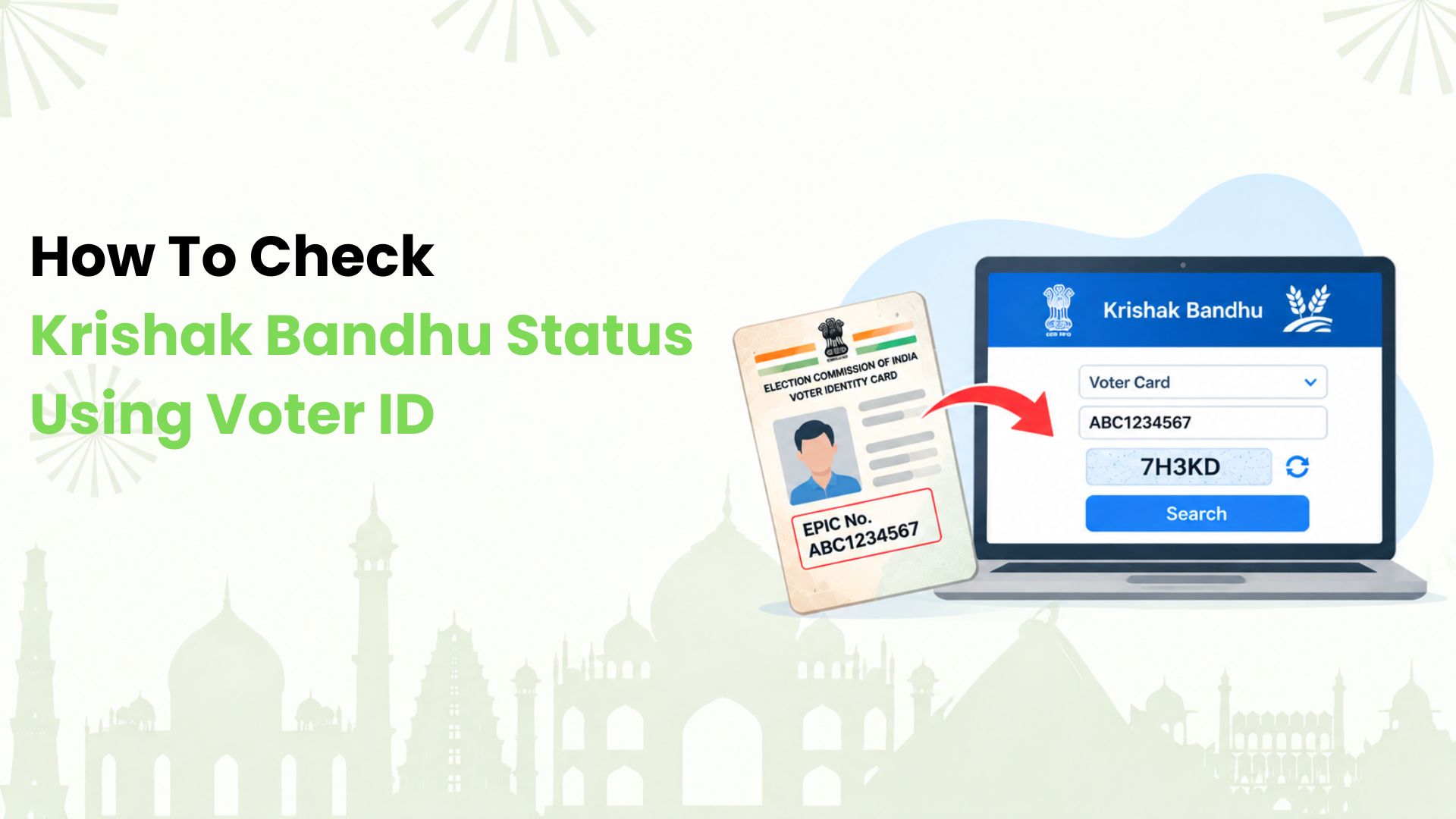
We explain how to check Krishak Bandhu status using Voter ID for farmers in West Bengal. The official portal lets us search registered farmer records using the EPIC number printed on a Voter ID card. Here’s our guide to the steps and what to do if a search fails.
What We Need Before Starting
Krishak Bandhu supports eligible West Bengal farmers with financial assistance for cultivation. For this lookup, we need the Voter ID number used in the farmer’s record and an internet connection. We should keep the application acknowledgement handy for any follow-up.
Our Step-By-Step Status Check
1. Open the West Bengal Government’s official Krishak Bandhu status portal. We should confirm that its hostname ends in “.wb.gov.in” before entering personal details.
2. Choose “নথিভুক্ত কৃষকের তথ্য”, meaning registered farmers’ information. This opens the farmer search page.
3. Under “Select Option”, choose “Voter Card”. We then enter the EPIC number in the “ID Card Number” field, checking each letter and digit.
4. Complete the CAPTCHA shown on the page and select “search”.
5. Review the returned record and any status details displayed. We should save a private copy for reference and confirm that the record belongs to the right farmer.
We should check our bank statement or passbook separately to confirm whether an instalment has arrived. Finding a farmer record alone does not confirm a bank credit.
If We Cannot Find a Record
We can re-enter the EPIC number without accidental spaces and retry if the portal is unavailable. A missing result alone is not enough to conclude that an application was rejected. For unresolved issues, we can contact the block’s Assistant Director of Agriculture with the acknowledgement and identity details.
Make Everyday QR Payments Work Harder with Kiwi
Beyond this status check, we at Kiwi help eligible users pay merchants for purchases such as groceries through a RuPay credit card on UPI. Explore how scan and pay works, then check our cashback terms before getting started. Card approval depends on partner-bank criteria. Kiwi does not process Krishak Bandhu benefits.
FAQs
1. Can We Search Without a Voter ID?
Yes. We can select another available method, such as Aadhaar or KBID, using details linked to the farmer’s record.
2. Do We Need a Portal Account for this Lookup?
The public farmer search page does not ask us to sign in before entering an ID and completing the CAPTCHA.
3. Can We Register by Searching Our Voter ID?
No. Searching retrieves an existing record. We need to contact the block agriculture office for registration guidance.
4. Can We Check From a Mobile Phone?
We can open the public search page in a phone browser. If it fails to load, we can retry with a stable connection.
5. Can We Correct Details Through the Search Form?
The lookup form is for searching. We should ask the block agriculture office how to correct a record.
6. Where Can We Get Telephone Help?
We can call the portal’s listed helpline, 033-23570021, between 10 am and 5 pm.