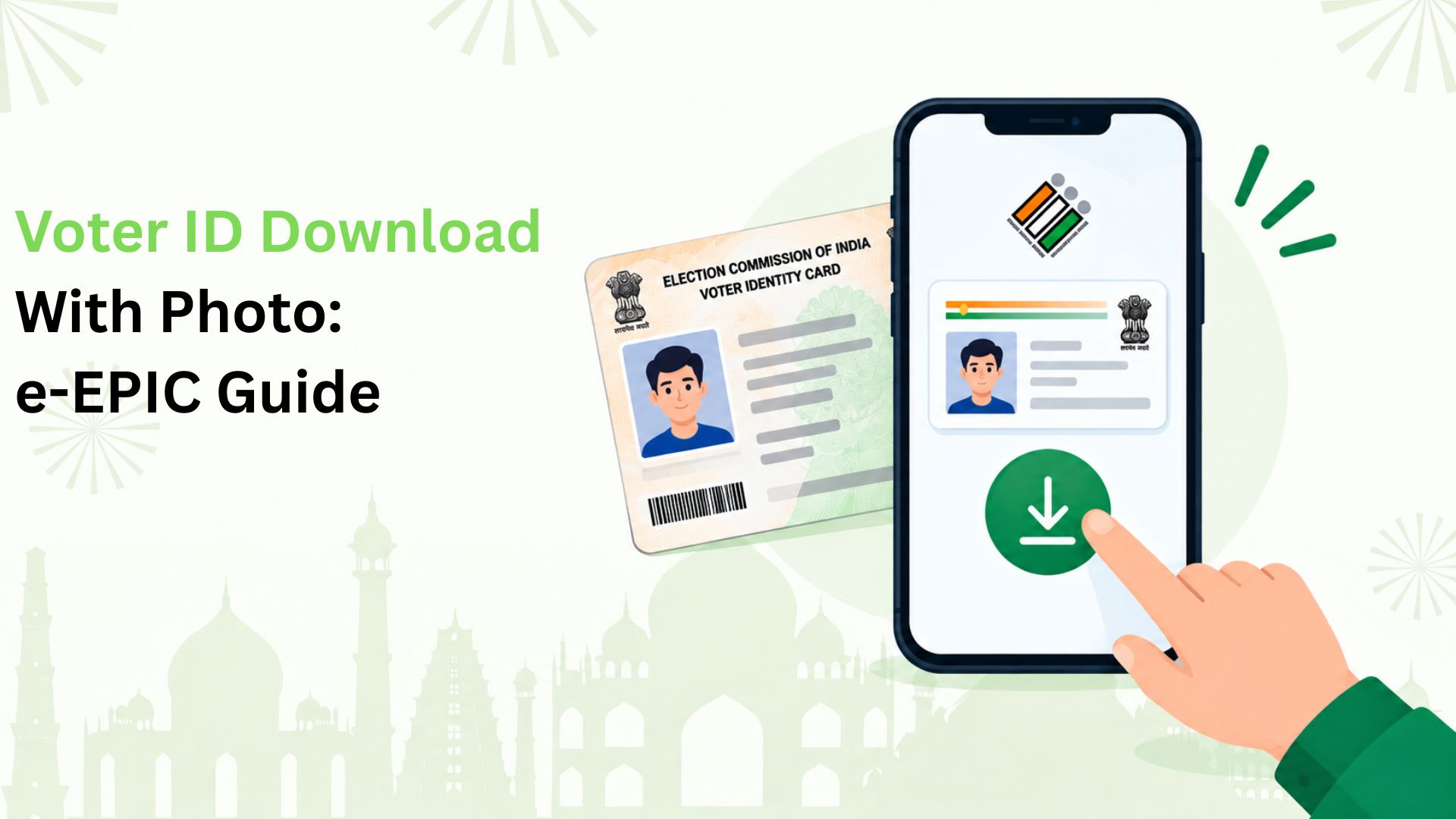
Looking for voter ID download with photo? We’ll help registered voters in India get their e-EPIC, the official digital voter card. The process involves signing in to the Election Commission of India’s voter portal, finding the voter record and completing OTP verification.
We’ve put the essentials below so you can prepare before starting and know what to check if the download fails.
What Do We Get in an e-EPIC?
An e-EPIC is a PDF version of the Electoral Photo Identity Card. It carries the voter’s photograph and identification details. We can save it on a phone or computer and print a copy when needed.
Downloading the card does not register us to vote. Our name must also appear on the electoral roll, which is the official voter list.
What Should We Keep Ready?
Before starting, we need:
- Our EPIC number, or the application reference number where the portal offers that option.
- Access to the mobile number registered in our voter record for OTP verification.
- A portal account and a device that can open PDF files.
We should also know the state linked to our voter record. Having these details ready helps us avoid stopping halfway through the process.
How Do We Download The Photo-Bearing PDF?
We can follow these steps on the Election Commission’s official Voters’ Service Portal:
- Open the portal and select Login. If we do not have an account, use Sign-Up and complete registration.
- Choose e-EPIC Download from the available services.
- Enter our EPIC number, or the form reference number if offered. Select the state when prompted and search.
- Check that the returned voter details belong to us before requesting an OTP.
- Enter the OTP received on the registered mobile number and complete verification.
- Select Download e-EPIC. Open the PDF and check the photograph, name and other details before saving it.
We recommend keeping the file in a private folder and avoiding shared computers for storing personal documents.
What If The OTP Does Not Arrive?
We should first check whether we still use the mobile number linked to the voter record. Access to a portal account does not necessarily mean that the electoral record has our current number.
If the linked number is unavailable or missing, we should follow the portal’s mobile-update instructions. We can also contact our Booth Level Officer, the local official who helps with voter records. We should complete the required update before trying the download again.
Let’s Make Everyday QR Payments More Useful With Kiwi
We help bring credit to everyday merchant payments. With Kiwi, you can use an eligible RuPay credit card on UPI for purchases such as groceries or dining, with cashback on eligible transactions under the applicable terms.
Explore UPI on credit with Kiwi and see how your next merchant scan and pay can fit into your daily routine.
FAQs
1. How Can I Find a Lost EPIC Number?
We can use the Election Commission’s electoral search service to find our voter record. Note the EPIC number shown there, then return to the download service.
2. What Should I do if My Photograph is Incorrect?
We should request a correction through Form 8 and provide the required details. Editing the downloaded PDF ourselves does not correct the official record.
3. Can I Download My Voter Card Through an App?
Yes. We can use the Election Commission’s ECINET app, which includes an e-EPIC download service. Check the official publisher before installing it.
4. Can I Print My e-EPIC for Polling-Day Identification?
Yes. We can print the downloaded e-EPIC to show as identity proof at the polling station. Keep the photograph and details clearly readable.
5. Why is My New Voter Card not Available Yet?
We should check the application status first. A submitted application alone does not mean the voter record and card are ready for download.
6. Is an Electoral Search Result the Same as an e-EPIC?
No. We use electoral search to locate our registration details. The official card PDF comes from the separate e-EPIC download service.
Disclaimer: This article is provided for general informational and educational purposes only and should not be considered legal, electoral, government, or professional advice. e-EPIC download procedures, voter portal features, OTP verification, eligibility requirements, accepted identification documents, app functionality, and related services may vary and may change over time. Readers should verify the latest instructions and requirements through the Election Commission of India’s official website, Voters’ Service Portal, ECINET app, or authorised election officials before taking any action. Kiwi is not affiliated with the Election Commission of India and does not guarantee e-EPIC availability, successful downloads, application approval, processing timelines, or access to voter-related services.