ITR filing can feel confusing for new taxpayers in India, especially when words like assessment year, Form 16, AIS, deductions, refund, and e-verification appear together. The good news is that the process is easier when you break it into a clear checklist.
This guide explains what ITR filing means, who should file it, which documents you need, how to choose the right ITR form, how to file online, and what to check before you submit.
What Is ITR Filing?
Income Tax Return, or ITR, is the form you submit to the Income Tax Department to report your income, taxes paid, deductions, exemptions, and final tax liability for a financial year.
For example, income earned between 1 April 2025 and 31 March 2026 is reported for financial year 2025-26. The related assessment year is 2026-27. This is the year in which the Income Tax Department assesses the income you earned in the previous financial year.
Filing an ITR does not always mean you need to pay extra tax. In many cases, tax may already have been deducted by your employer, bank, client, or another payer. You still file your return to confirm your income details, claim eligible deductions or refunds, and complete your tax record.
Who Should File ITR for the First Time?
You may need to file an ITR if your income is above the basic exemption limit, if tax has been deducted and you want to claim a refund, or if you meet specific filing conditions under income tax rules.
First-time filers usually include:
- Salaried employees who received Form 16 from their employer
- Freelancers or consultants who received professional income
- Job employees with taxable income
- Individuals with bank interest, fixed deposit interest, rent, or capital gains
- People who had TDS deducted and want to claim a refund
- Individuals who need ITR records for a loan, visa, credit card, or financial documentation
Even if your final tax payable is zero, filing can still be useful if TDS was deducted or you need proof of income. If your income sources are complex, speak to a qualified tax professional.
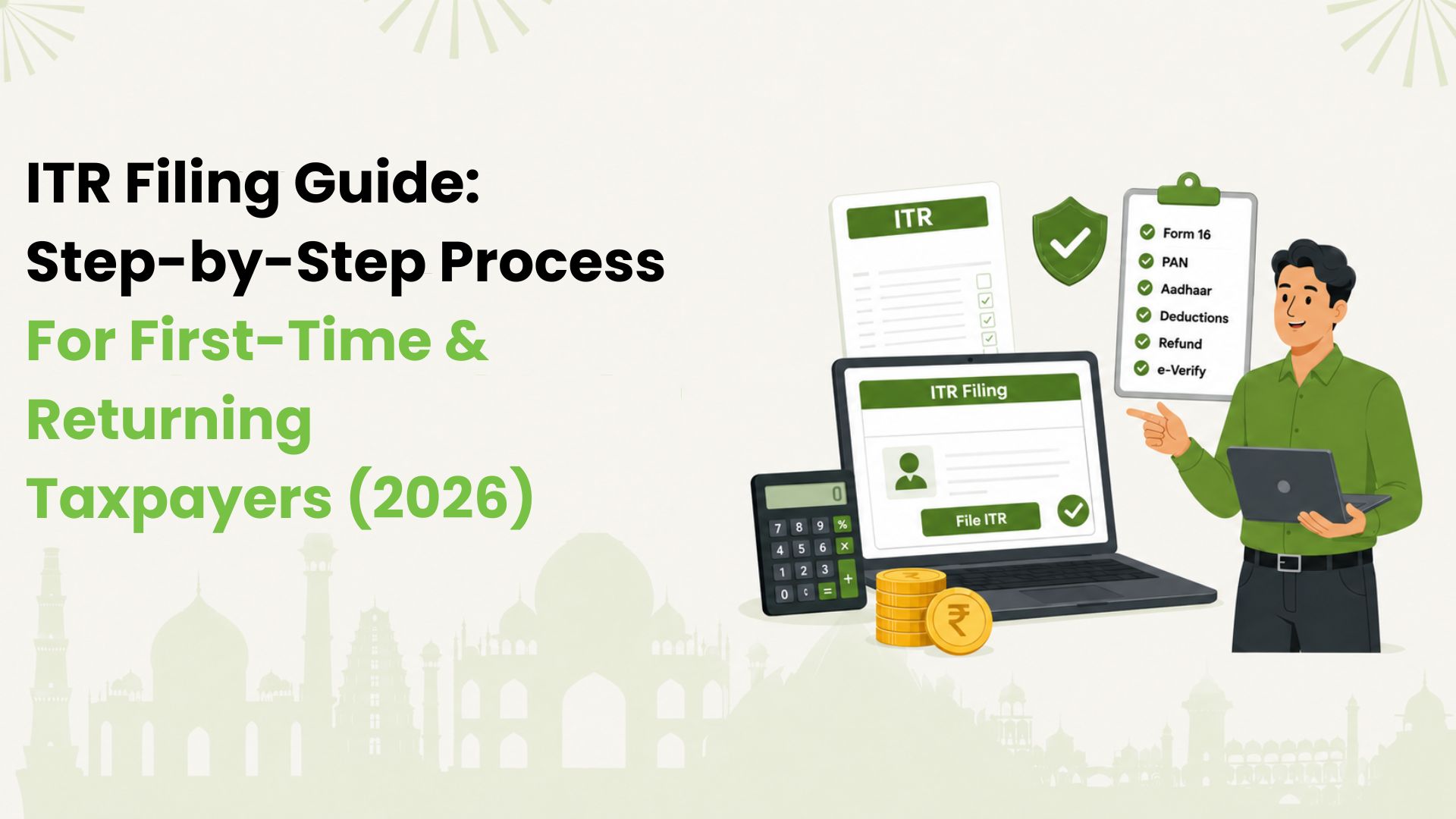
ITR Filing Checklist
Before you log in to the e-filing portal, keep your basic documents and information ready. This helps you avoid wrong entries, missing income, and last-minute confusion.
1. PAN and Aadhaar
Your PAN is your primary taxpayer identifier. The Income Tax Department also recommends that PAN and Aadhaar be linked. If your PAN is not linked with Aadhaar, your access on the e-filing portal may be limited.
2. Form 16
If you are salaried, your employer issues Form 16. It shows your salary income, exemptions, deductions considered by the employer, and TDS deducted during the year.
3. Form 26AS
Form 26AS shows tax deducted or collected against your PAN, advance tax, self-assessment tax, and other tax credit details. Match this with your Form 16, bank records, and other income documents.
4. AIS and TIS
The Annual Information Statement and Taxpayer Information Summary show a wider view of income and transactions reported to the tax department. These may include salary, interest, dividends, securities transactions, and other reported items. Review them carefully.
5. Bank Account Details
Keep your bank account number and IFSC handy. Also make sure at least one bank account is pre-validated on the e-filing portal if you expect a refund.
6. Income and Deduction Proofs
Keep records for salary, rent, bank interest, fixed deposits, investments, insurance, donations, loan interest, and other relevant items. You may not need to upload every document, but keep proof handy.
7. Capital Gains Statement
If you sold shares, mutual funds, property, or other capital assets, collect your broker or mutual fund capital gains statement. Some capital gains cases may require forms other than ITR-1.
Which ITR Form Should a Beginner Choose?
Choosing the wrong ITR form is one of the most common first-time filing errors. The correct form depends on your income sources, residential status, and total income.
For many resident salaried individuals, ITR-1, also called Sahaj, is the simplest form. It can generally be used by a resident individual with total income up to ₹50 lakh from salary or pension, eligible house-property income as allowed in the current form, family pension, agricultural income up to ₹5,000, certain long-term capital gains under section 112A up to ₹1.25 lakh, and other sources such as bank interest.
ITR-1 is not suitable for everyone. You cannot use it if, for example, you are an NRI, have total income above ₹50 lakh, have business or professional income, have taxable capital gains outside the allowed ITR-1 scope, own more than one house property, are a company director, or hold unlisted equity shares.
Here is a simple starting point:
| Situation | Form to check |
|---|---|
| Salary, eligible house-property income, interest income, simple resident individual case | ITR-1 |
| Salary plus capital gains, more than one house property, or certain complex income | ITR-2 |
| Business or professional income | ITR-3 |
| Presumptive business or professional income, if eligible | ITR-4 |
Always confirm the form on the official e-filing portal or with a tax professional if your income includes capital gains, foreign assets, business income, crypto, F&O, or income from outside India.
How to File ITR Online
The Income Tax Department’s e-filing portal allows registered users to file online. The exact screens may change, but the flow usually looks like this.
Step 1: Register on the e-Filing Portal
Visit the official Income Tax e-filing portal and choose taxpayer registration. You will need your PAN, name, date of birth, Aadhaar details where applicable, mobile number, and email address. Complete OTP verification and set your password.
If your PAN is already registered, use the login option instead of creating a new account.
Step 2: Log In and Update Your Profile
After logging in, check your profile details. Confirm your contact details, Aadhaar status, and bank account information. If you expect a refund, pre-validate your bank account before filing.
Step 3: Choose Assessment Year and Filing Mode
Go to the income tax return filing section. Select the assessment year for the income you are reporting. For income earned in financial year 2025-26, select assessment year 2026-27. Choose online filing if you want to complete the return directly on the portal.
Step 4: Select Your Status and ITR Form
Most first-time individual taxpayers select status as Individual. Then choose the ITR form that matches your income. Read the eligibility notes before proceeding.
Step 5: Confirm the Reason for Filing
The portal may ask why you are filing your return. Choose the correct reason, such as income above the basic exemption limit, refund claim, or other applicable criteria. For more details you can refer to: https://www.incometax.gov.in/iec/foportal/help/all-topics/e-filing-services/ITR1-FAQ
Step 6: Review Pre-Filled Information
The portal may pre-fill salary, tax paid, TDS, and other information from Form 26AS, AIS, and employer data. Do not assume it is fully correct. Compare it with your own documents.
Check:
- Name, PAN, Aadhaar, address, and contact details
- Employer details and salary income
- Bank interest and other income
- TDS and TCS entries
- Bank account for refund
Step 7: Select Tax Regime Carefully
The new tax regime is the default for many individual taxpayers. If you want to use the old tax regime, you usually need to opt out while filing. This choice affects which deductions and exemptions are available.
Compare both regimes before submitting. The better option depends on your income, investments, rent, insurance, loans, and deductions.
Step 8: Add Income and Deduction Details
Enter or confirm your income details section by section. Add salary, house property income, interest income, exempt income, and other applicable details. Then add eligible deductions under the chosen regime.
Keep the entries consistent with your documents. A small mismatch in interest, TDS, or bank details can delay processing or create a notice later.
Step 9: Check Tax Payable or Refund
After you confirm all sections, the portal calculates your tax liability. You may see one of three broad outcomes:
- No extra tax payable
- Refund due
- Additional tax payable
If tax is payable, it is better to pay before final submission and update the challan details if required. Filing without paying tax due can lead to interest or default-related issues.
Step 10: Validate, Preview, and Submit
Use the portal validation checks to find missing or incorrect fields. Then preview the return carefully. This is your final chance to catch wrong bank details, missed interest income, wrong assessment year, duplicate deductions, or mismatched TDS.
Step 11: E-Verify Your Return
Filing is not complete until you verify the return. E-verification through Aadhaar OTP, net banking, bank account EVC, demat account EVC, or other available methods is usually faster than sending a physical ITR-V.
If you choose to verify later, complete verification within the specified time. An unverified return may be treated as invalid.
To file your Income Tax Return (ITR), visit the official Income Tax e-Filing portal at https://www.incometax.gov.in/iec/foportal/. Log in using your PAN (or Aadhaar, if linked), select File Income Tax Return, choose the applicable assessment year and ITR form, and follow the on-screen instructions to complete and submit your return.
Common Mistakes that can be Easily Avoided
Taxpayers often make errors because they rely only on one document or rush through the portal. Avoid these mistakes:
- Choosing the wrong assessment year
- Selecting the wrong ITR form
- Ignoring AIS or Form 26AS mismatches
- Forgetting savings account or fixed deposit interest
- Not reporting capital gains
- Claiming deductions without proof
- Selecting a tax regime without comparing the impact
- Using an inactive or unvalidated bank account for refund
- Submitting the return but forgetting e-verification
- Waiting until the last day and facing portal delays
If you notice a mistake after filing, you may be able to file a revised return within the permitted timeline. Check the current Income Tax Department rules for the relevant assessment year.
What Happens After You File ITR?
After successful filing and verification, you receive an acknowledgement. Keep it safely. The Income Tax Department then processes your return and may issue an intimation under section 143(1). This tells you whether the return has been accepted, a refund is due, or a demand is payable.
If you receive a refund, it is credited to the validated bank account linked to your return. If you receive a demand or notice, review it with your documents before responding.
What If You Miss the ITR Filing Due Date?
For assessment year 2026-27, 31 July 2026 is the standard due date for many non-audit individual taxpayers, unless the department extends it. Due dates can differ for taxpayers with business income, audit requirements, or other special cases, so check the e-filing portal before filing.
Missing the due date can lead to a late filing fee, interest on unpaid tax, loss of some benefits, and extra compliance stress. If you miss the deadline, check whether you can still file the returns as early as possible.
Build Better Money Habits for Next Year
Your ITR filing also teaches you something useful: tax filing becomes easier when your money records are organised throughout the year.
Try to keep a monthly record of:
- Salary slips and Form 16
- Bank interest
- Rent and loan documents
- Investment and insurance proofs
- Credit card statements
- UPI payments and merchant spends
- Refunds, reimbursements, and large transactions
This habit reduces filing stress next year and helps you understand where your money goes every month.
Stay Organized for Next Year’s Tax Filing with Kiwi
Keeping your everyday expenses organized can make tax season much easier. Instead of searching through multiple apps and bank statements, you can track your UPI payments and bill spends in one place with Kiwi.
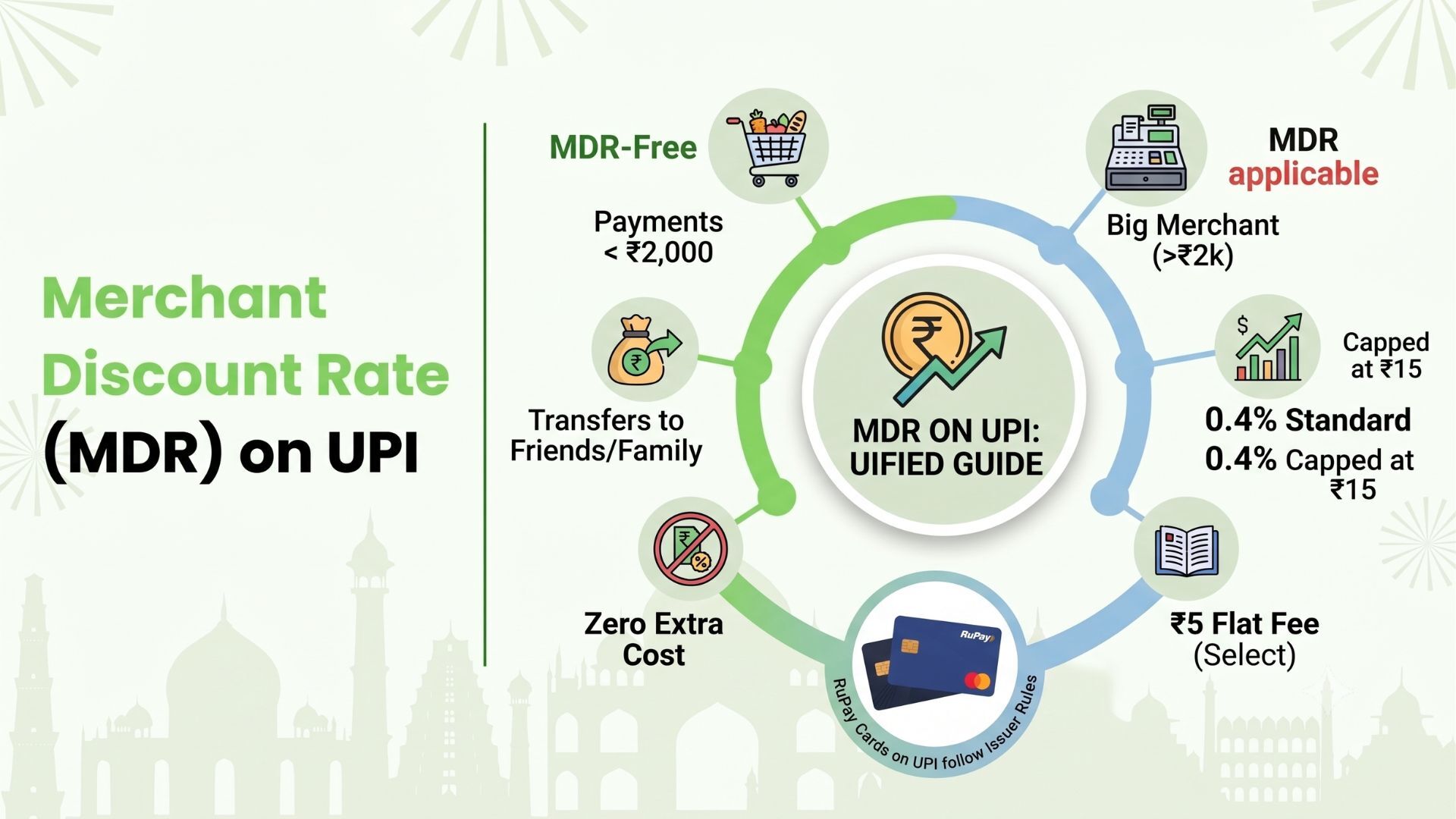
With the Kiwi Rupay Credit Card, eligible users can make merchant payments via UPI using a RuPay credit card, pay utility bills, groceries, dining, shopping, and other everyday expenses, while keeping all eligible transactions visible in the Kiwi app. You can also manage repayments and earn eligible cashback on qualifying spends, subject to applicable terms and eligibility.
Whether you’re filing your ITR for the first time or you’re a seasoned taxpayer, having your everyday bills and UPI spends organized in one place can make reviewing your expenses much simpler when tax season comes around.
Download the Kiwi app to explore UPI payments on a RuPay credit card, simplify everyday spending, and keep your transactions organized throughout the year.
FAQs on ITR Filing for the First Timer and Seasoned Taxpayers
Is ITR filing compulsory for everyone?
No. ITR filing depends on your income, tax deduction, refund claim, and specific filing conditions. If you meet the filing criteria, you should file your return.
Can I file ITR without a CA?
Yes, many first-time taxpayers with simple salary and interest income can file online. Take professional help if you have capital gains, business income, foreign assets, crypto, F&O, or complex deductions.
Which ITR form is used by salaried employees?
Many resident salaried individuals use ITR-1 if they meet its conditions. If you have complex income, another form may apply.
What documents are needed for first-time ITR filing?
Common documents include PAN, Aadhaar, Form 16, Form 26AS, AIS, TIS, bank details, interest certificates, investment proofs, and capital gains statements if applicable.
Is Form 16 enough to file ITR?
Form 16 is important for salaried taxpayers, but it may not include every income item. Also check Form 26AS, AIS, TIS, bank interest, capital gains, and other income.
What happens if I do not e-verify my ITR?
Your return is not complete until it is verified. If you miss the allowed time, the return may be treated as invalid.
Can I revise my ITR after filing?
Yes, if you discover an error, you may be able to file a revised return within the allowed timeline.
Can I get a refund by filing ITR?
Yes. If more tax was deducted or paid than your final tax liability, filing ITR allows you to claim a refund. Make sure your bank account is pre-validated.
Disclaimer: Income tax rules, filing deadlines, deductions, eligibility conditions, and ITR forms may change without notice. Verify the latest details on the official Income Tax Department portal or consult a qualified tax professional before filing.