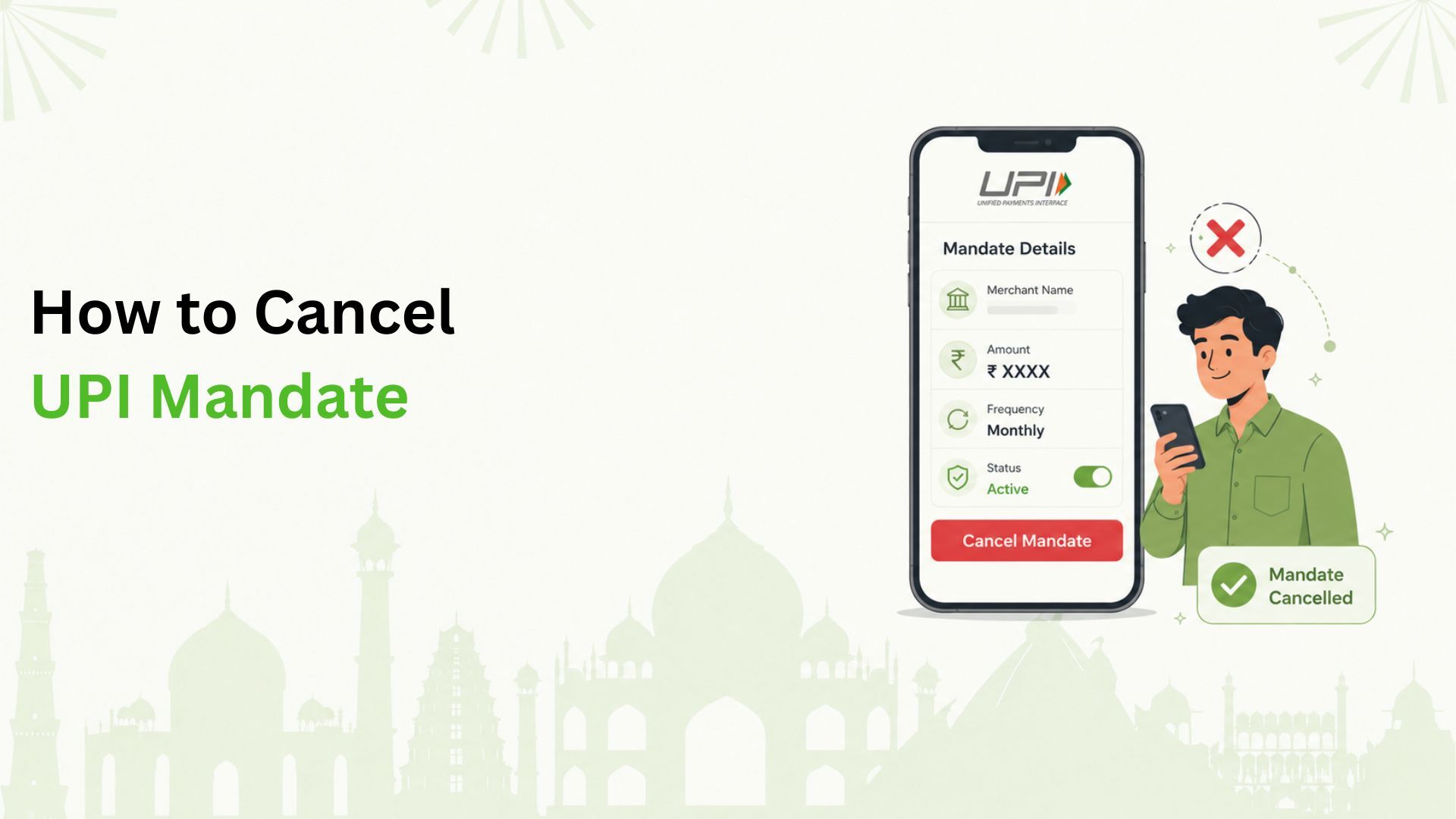
How to cancel UPI mandate is a common question for users who want to stop automatic debits for subscriptions, bills, EMIs, or other recurring payments. In most cases, you can cancel it from the same UPI app where you approved it. Open the app, go to AutoPay or Mandates, select the active mandate, tap Cancel or Revoke, and confirm with your UPI PIN.
What Is a UPI Mandate?
A UPI mandate is a pre-approved payment instruction. It lets a merchant or service provider debit money from your linked bank account on a fixed date, or within a set amount limit.
UPI mandates are commonly used for mobile bills, electricity bills, OTT subscriptions, insurance premiums, EMIs, and other recurring payments. Many UPI apps call this feature UPI AutoPay.
You approve the mandate with your UPI PIN, and you can usually view, pause, or cancel it from your UPI app. Once cancelled, future automatic debits should stop. Completed payments are not reversed just because the mandate is cancelled.
How to Cancel a UPI Mandate From Your UPI App
Menu names differ across Google Pay, PhonePe, Paytm, BHIM, and bank apps, but the flow is usually similar.
- Open the UPI app where you approved the mandate.
- Go to Profile, Settings, Payments, AutoPay, UPI Mandates, or Subscriptions.
- Open the Active or Live tab to see ongoing mandates.
- Select the merchant or subscription you want to stop.
- Tap Cancel, Revoke, Delete, or Stop AutoPay.
- Review the details, including merchant name, amount, frequency, and next debit date.
- Enter your UPI PIN to authorise the cancellation.
- Check that the mandate status changes to Cancelled, Revoked, or Completed.
If your app offers both Pause and Cancel, choose carefully. Pause may stop debits only for a selected period. Cancel or Revoke usually ends the mandate.
How to Cancel UPI AutoPay From a Merchant App or Website
For subscriptions, it is also useful to cancel from the merchant side. This tells the service provider to stop future payment requests.
- Open the merchant app or website where the subscription was started.
- Go to Account, Profile, Plan, Billing, Payments, or Subscription settings.
- Find the active subscription, auto-renewal, or UPI AutoPay option.
- Select Cancel Subscription, Turn Off Auto-Renewal, or Stop AutoPay.
- Follow the on-screen confirmation steps.
- Save the confirmation email, SMS, or in-app message, then check the mandate status in your UPI app.
Cancelling only the subscription may not remove the bank-side mandate immediately. For better control, verify the mandate in your UPI app too.
What to Check Before Cancelling a UPI Mandate
Before you cancel, spend a minute checking the mandate details. This can help you avoid missed payments or confusion later.
- Check the merchant name so you cancel the correct subscription or biller.
- Check the next debit date. If the debit is already being processed, one final payment may still happen.
- Check the amount and frequency to spot duplicate subscriptions.
- Check loan or EMI terms. Some loan-related mandates may need merchant, lender, or bank support.
- Set an alternative payment method if the service is still important to you.
What Happens After You Cancel a UPI Mandate?
Once a UPI mandate is cancelled, future automatic debits linked to that mandate should stop. You may receive confirmation through the UPI app, SMS, email, or merchant app.
Past payments are not refunded automatically. For a wrong debit, raise a dispute through your UPI app, bank, or merchant support with the mandate reference number and transaction details.
Recheck the mandate section after a few hours or the next day. Some apps move cancelled mandates to a Completed, Revoked, or Expired tab.
Why You May Not Be Able to Cancel a UPI Mandate
If you cannot find or cancel the mandate, try these checks.
- Look in the UPI app where you originally authorised the AutoPay request.
- Update the UPI app and check AutoPay or Mandates again.
- If the linked bank account is inactive, reactivate it or contact your bank.
- For some loan repayment mandates, contact the merchant or lender.
- If the merchant still shows an active subscription, cancel it there and verify the mandate status again.
If none of these work, contact your bank or merchant with the UPI ID, mandate name, mandate reference number, debit date, and screenshots of the error.
Keep Everyday UPI Payments Easier to Manage With Kiwi
Cancelling old mandates is one part of staying in control of your money. The other part is making everyday payments easier to track.
Kiwi helps users scan and pay at merchants through UPI using a RuPay credit card, subject to eligibility and product terms. You can use the app to manage your card, track spends, and view eligible rewards or cashback details. Once you have cleaned up unwanted AutoPay mandates, Kiwi can help you keep daily merchant payments organised in one app.
FAQs
Can I cancel a UPI mandate anytime?
In most cases, yes. You can cancel an active UPI mandate from the UPI app where you approved it. Some loan mandates may require merchant, lender, or bank support.
Do I need my UPI PIN to cancel AutoPay?
Yes. Most UPI apps ask for your UPI PIN when you cancel or revoke an active mandate. This confirms that you authorised the change.
Will I get a refund after cancelling UPI AutoPay?
Cancellation stops future automatic debits. It does not automatically refund completed payments. For refunds or incorrect debits, contact the merchant, bank, or UPI app support.
Where can I see all my active UPI mandates?
Open the UPI app used to approve the mandate and look for AutoPay, UPI Mandates, Subscriptions, or Recurring Payments. Active mandates are usually shown under a Live or Active tab.
Disclaimer: The information provided in this article is for general informational and educational purposes only. UPI mandate cancellation steps, menu names, features, and requirements may vary across UPI apps, banks, merchants, and service providers. While every effort has been made to keep the information accurate and up to date, users should verify the latest instructions with their respective UPI app, bank, or merchant before taking action. Cancellation of a UPI mandate may not reverse or refund payments that have already been processed. Kiwi-related information is subject to applicable eligibility criteria, product terms, and conditions. This article should not be considered financial, banking, or legal advice.