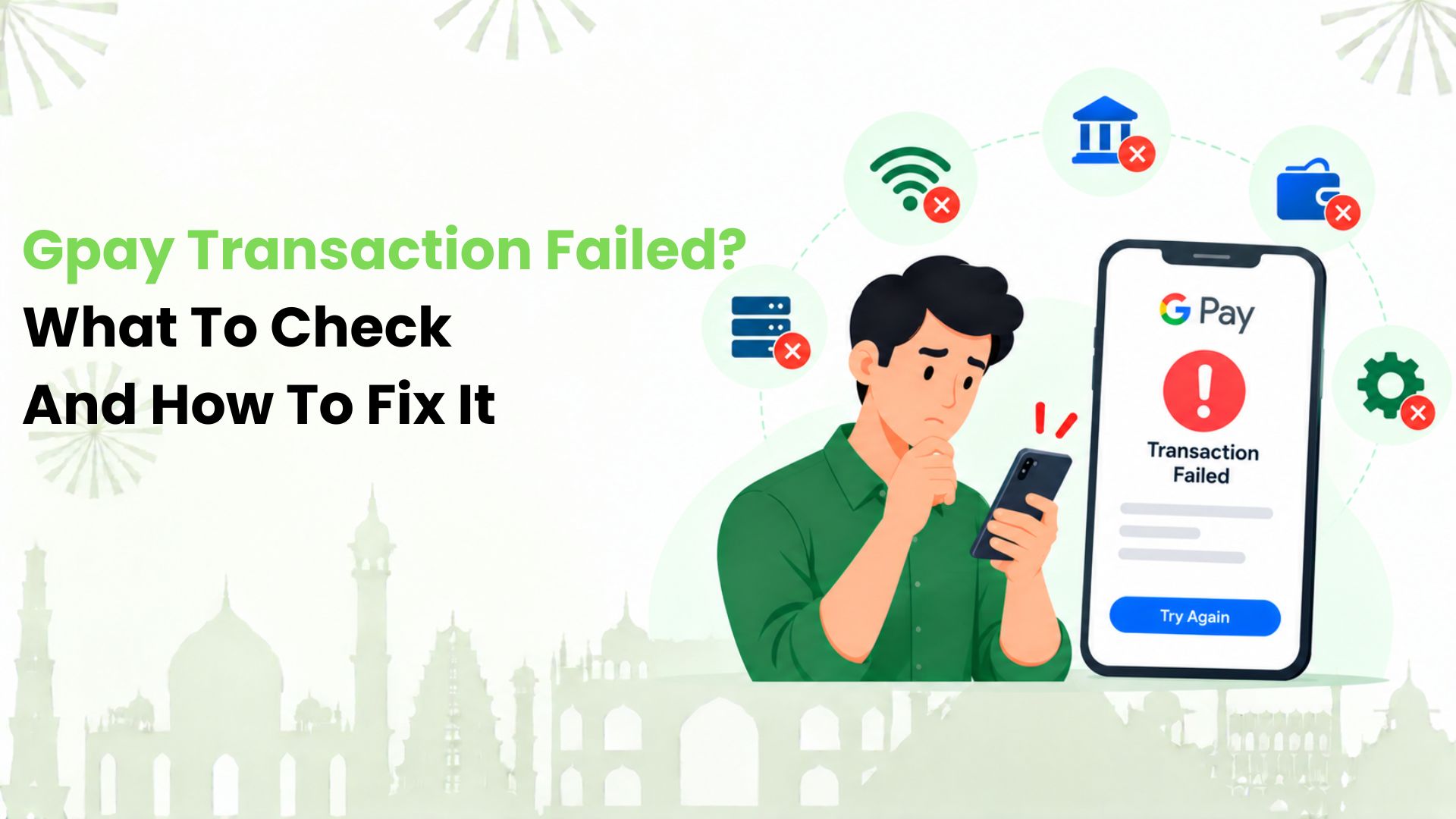
A “Gpay transaction failed” message can leave Indian UPI users wondering where their money went. We recommend checking two things first: the payment status in Google Pay and the debit in your bank statement. Together, they help you decide whether to retry, wait or report the payment.
We know the next step matters most when you are standing at a shop counter or sending money to someone who needs it. In this guide, we explain the common causes, the checks worth making and how to follow up if your money has not returned.
Start With the Payment Status and Your Bank Statement
Before changing settings or sending money again, we suggest opening the original transaction in Google Pay. Look for the recipient, amount, date, status and UPI transaction ID. Then check the linked account’s latest bank statement.
We separate the next steps into four situations:
- Failed, with no debit: Correct the problem shown in the app, then try again once.
- Failed, with a debit: Track the reversal and report any delay. Repeated attempts will not recover the original amount.
- Pending or processing: The outcome is still unresolved. Avoid making the same payment again while you wait for confirmation.
- Successful, but the recipient reports no credit: Ask them to check their bank statement. Share the transaction reference and raise the issue if the credit remains missing.
An SMS or a screenshot alone may not explain the full position. We recommend matching the amount and reference number against the actual account entry. If you made several attempts, check each one separately.
Why a Google Pay Payment May Fail
A payment involves more than the app on your phone. We look at the bank account, the recipient’s details and the connection between the services before deciding what to change.
The Selected Account has too Little Available Money
Your payment can fail if the account you selected cannot cover the amount. We suggest checking the available balance in that account, especially when you have linked more than one bank. A balance you remember from earlier may have changed after another debit.
Your Connection Drops During Payment
A weak mobile signal or unreliable Wi-Fi can interrupt a payment attempt. We recommend moving to a stable connection and checking the original status before trying again. A stalled screen does not prove that the bank rejected the payment.
Your Bank or the Recipient’s Bank has a Temporary Issue
Bank maintenance or a service disruption can stop a request from completing. We suggest checking any message shown in the app and contacting the bank if the problem continues. Reinstalling Google Pay will not repair a bank outage.
A Transaction Limit or Security Check Applies
UPI limits depend on the bank, payment method and transaction category. New registrations can also have temporary restrictions. We recommend reading the specific error instead of assuming every payment has the same limit. Some account limits apply across UPI apps.
The PIN or Recipient Details Need Attention
An incorrect UPI PIN can prevent authorisation. An invalid UPI ID or an account that cannot receive the payment can also cause problems. We suggest checking the details carefully rather than repeatedly entering a PIN or guessing a different address.
How We Troubleshoot a Failed Payment
Once you have confirmed that the earlier attempt failed without a debit, we recommend working through the relevant checks below. There is usually no need to change every setting at once.
1. Read the Error Message
We start with what the app actually says. “Bank server unavailable” calls for a different response from “Incorrect UPI PIN” or a limit warning. Make a note of the message so you can explain it clearly if you need support.
2. Check the Selected Payment Method
We suggest confirming which bank account or linked payment method you chose. Check its available balance and whether it is active. If the payment uses a RuPay credit card on UPI, check available credit and whether that merchant payment is supported.
3. Confirm the Recipient Before Authorising
We recommend checking the displayed recipient name as well as the UPI ID or QR code. If a code cannot be read, ask the merchant for a current one. Do not use an unfamiliar payment address supplied by someone claiming to fix the transaction.
4. Refresh the Connection and Update the App
We suggest switching between Wi-Fi and mobile data if the connection is unstable. Check for a Google Pay update through your phone’s official app store. Reopen the app and review the original transaction before starting a fresh payment.
5. Resolve the Specific Restriction
For a limit warning, we recommend checking your bank’s applicable limit and waiting for the stated reset period. For a forgotten PIN, use the app’s official reset process. If a bank restriction is unclear, contact the bank instead of trying to bypass it.
What Happens if Money was Debited?
If the payment failed after a debit, we recommend keeping the transaction record and monitoring the source account. A reversal returns the money taken for the failed payment. It is different from a merchant refund after a completed purchase.
Google Pay’s help guidance gives different support estimates for different payment issues. We would not treat one estimate as a promise for every transaction. The transaction type and the actual failure matter.
Understand the Applicable Reversal Deadline
We use the RBI framework to distinguish two domestic UPI failures:
- Transfer to another person: If your account was debited but the recipient cannot be credited, reversal is due by T+1 day.
- Payment to a merchant: If your account was debited but confirmation did not reach the merchant, reversal is due within T+5 days.
T means the transaction date, and these are calendar days. For these covered failures, compensation is ₹100 per day of delay beyond the applicable deadline. It should reach the account automatically, without a separate claim.
If the position is unclear, we suggest asking your bank which category applies. These rules concern the specified failed transactions. They do not give every cancelled order or successful payment the same refund deadline.
Check Where the Reversal Should Appear
For a bank-account payment, we suggest looking in that account’s statement for a matching return entry. It may carry a label such as “UPI-REV” or “UPI-RET” with the transaction reference. For a credit-card-funded payment, check the card account and contact the issuer about the adjustment.
How We Recommend Reporting an Unresolved Transaction
We suggest keeping one clear record of the issue. That makes it easier to follow up without losing the original reference or repeating the story.
- Open Google Pay’s transaction history. Select the payment you want to report.
- Choose the help option. Look for “Having issues?” or the relevant payment-help option. Labels may vary by payment type or app version.
- Describe the actual problem. State whether money was debited, whether the recipient received it and what status appears.
- Provide the requested evidence. Keep the amount, date, UPI transaction ID and relevant bank statement ready. Submit documents through the official support flow.
- Save the complaint number. Record the response and any follow-up date.
We also recommend contacting your bank if the debit remains unresolved or the applicable reversal deadline has passed. Give the bank the transaction and complaint references. For a covered late reversal, ask it to check the compensation too.
If the first response does not resolve the issue, we suggest using the formal escalation process of the app and bank. Keep copies of their replies. A complaint about an unauthorised payment needs immediate reporting, rather than waiting for an ordinary reversal.
What if Google Pay says “Successful” but the Shop Disagrees?
We treat this as a payment-tracing issue first. Ask the merchant to check its payment records using the UPI reference, amount and time. A missed notification or an order-page error does not by itself establish that the payment failed.
If the merchant received the money but the order was cancelled or goods were not supplied, we suggest requesting a refund from the merchant. If the debit and merchant records still do not match, contact your bank about the dispute process.
Before making a second payment at the counter, we recommend agreeing with the merchant how any duplicate amount will be returned. Save both references if you do pay again. Each successful debit needs to be accounted for.
Small Habits We Recommend Before Your Next Payment
We cannot remove every bank or network interruption, but a few checks can reduce avoidable problems:
- Check the recipient name and amount before entering the PIN.
- Keep the app updated and use a stable connection.
- Check the selected account when you have several payment methods.
- Read limit warnings before trying another amount or app.
- Keep payment references until the purchase or transfer is settled.
We also recommend keeping your UPI PIN and OTP private. You do not need to enter a UPI PIN to receive money. Avoid approving a collect request to obtain a “refund”, and use support reached through the official app or bank channels.
Make Everyday Merchant Payments with Kiwi
Once the earlier payment is settled, we can help you explore another way to pay for everyday purchases. With Kiwi, we bring UPI on credit to eligible merchant payments using a supported RuPay credit card. Think groceries, dining and everyday shop QR payments, with cashback on eligible spends under the applicable offer terms.
We keep the use case clear: credit-card-on-UPI is for eligible merchant payments, rather than transfers to friends or family. Card approval and issuance depend on your credit profile and partner-bank criteria. We recommend checking our terms and conditions before applying.
Make your next grocery run count. Explore Kiwi and see how UPI on credit fits your everyday merchant payments.
FAQs
1. Can I Cancel a Pending Google Pay Transaction?
We recommend tracking its status instead. A UPI payment cannot be cancelled once initiated. If it fails, check for the reversal. If it completes, any return of money needs to follow the appropriate recipient, merchant or bank process.
2. Is a Screenshot Enough When Support Asks for a Bank Statement?
We recommend providing the actual statement requested through the official support flow. For merchant-payment disputes, Google Pay does not accept app screenshots or ATM mini-statements as valid bank statements. Check the requested date range so the evidence covers both the payment and any return entry.
3. Can I Report a Failed Payment Made by Someone Else?
We suggest asking the person who sent the money to report it from their own Google Pay account. Google Pay’s merchant-payment guidance allows only the sender to raise the transaction issue. A recipient can help by confirming whether the money arrived.
4. What if the Merchant Transaction is More Than 21 Days Old?
We recommend contacting your bank directly. Google Pay’s merchant-payment guidance says its partner banks cannot raise a complaint on your behalf once the transaction is more than 21 days old. Keep the original reference and payment details ready when you contact the bank.
5. Is a Payment to the Wrong UPI ID Treated as a Failed Transaction?
We distinguish a rejected payment from a completed transfer to the wrong person. A valid UPI ID may receive the money even if it was not your intended recipient. Request its return from the receiver and contact your bank if you cannot reach them.
6. Will Switching to Kiwi Recover a Failed Google Pay Payment?
We cannot recover or reverse a transaction made through Google Pay. Follow up through Google Pay and the bank or issuer involved. We offer a separate UPI-on-credit experience for eligible merchant payments, subject to supported payment flows and applicable terms.
7. What if My Bill is Unpaid Even Though Google Pay Shows Success?
We suggest opening the bill payment to check the processing time shown for that biller. If that period passes and the biller still has not received the money, contact the biller. An electricity or phone bill needs its own payment-status check before another payment.
Disclaimer: This article is for general informational and educational purposes only and is not affiliated with, endorsed by, or published on behalf of Google Pay, Google, NPCI or any banking institution. UPI transaction limits, failure reasons, reversal timelines, refund procedures, compensation rules and app features may vary depending on the bank, transaction type and applicable RBI guidelines. Readers should verify the latest information through the official Google Pay Help Centre, their bank or authorised customer support before taking action. Kiwi does not operate or manage Google Pay transactions and cannot guarantee payment reversals, refunds or dispute resolution.