If you’re tapping UPI QRs for groceries, food, or quick errands—and still want credit card convenience—Kiwi and Slice serve that need. But they take very different routes. Let’s break down how each stacks up.
1. UPI Credit Integration
Kiwi
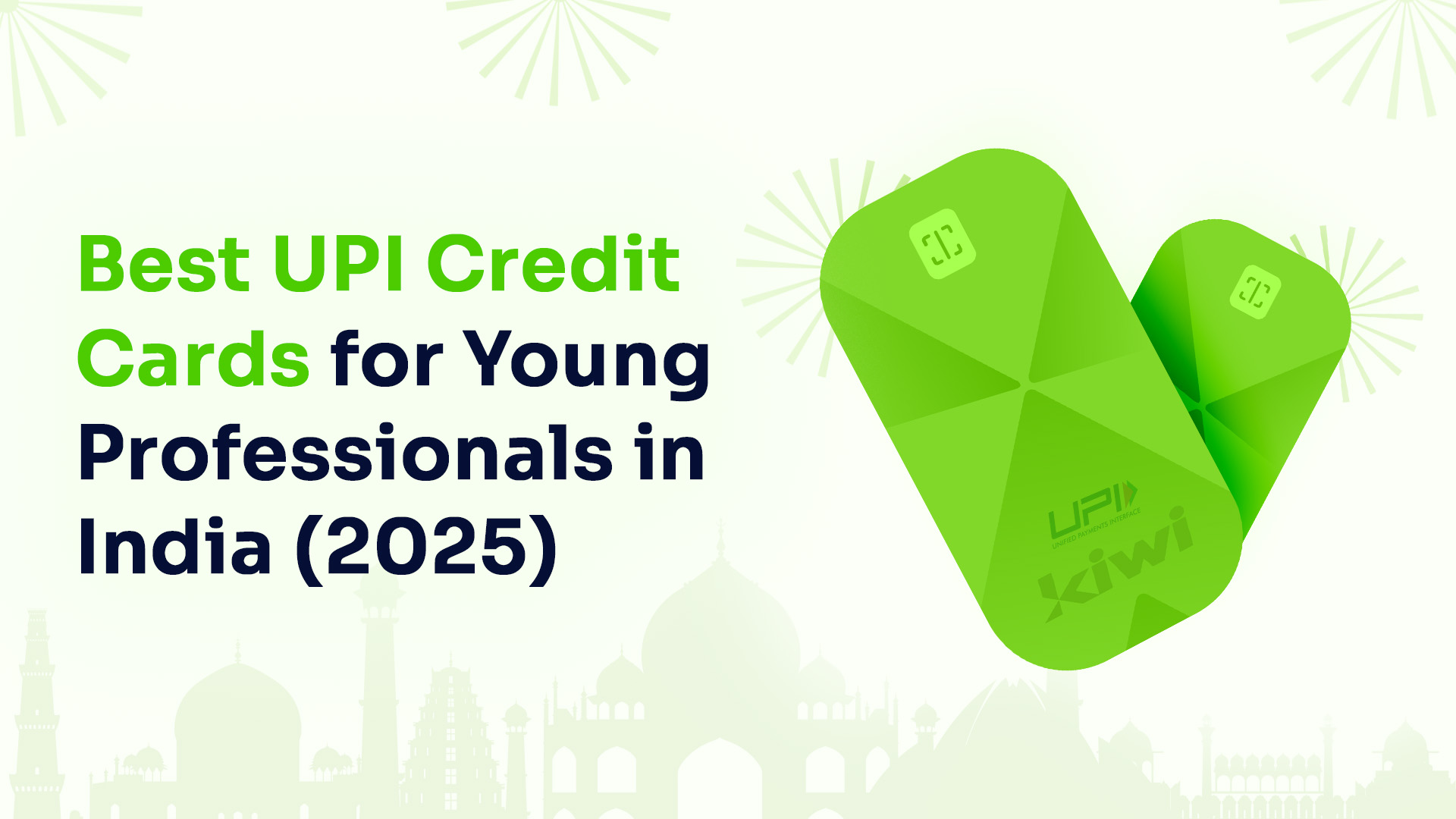
- Offers a dedicated RuPay Credit Card through its app.
- Seamless setup—scan any standard QR and pay with credit (where accepted). A smooth, scan-and-go experience.
Slice (Platinum / Ultra)
- Available UPI integration via its app and partner flows.
- Works well with select UPI platforms—but the process can be app-dependent or less streamlined.
- Designed for mobile users who juggle multiple payment modes.
Verdict: Kiwi is built for QR simplicity. Slice offers stylish integration but with occasional setup quirks.
2. Rewards & Cashback
Kiwi
- Minimum 1.5% cashback on every offline UPI spend.
- Neon upgrade (₹999/yr) unlocks tiered 3%–5% (base cashback of 2%)cashback based on annual UPI spend. Real cash, directly credited into your bank account.
Slice
- Stronger lifestyle rewards: 5%+ cashback or SliceCoins (convertible to credits) across dining, streaming, and groceries—especially for the Ultra edition.
- Rewards skewed to lifestyle categories, not general UPI usage.
Verdict: Kiwi excels at everyday small or big UPI spends. Slice shines for selective lifestyle categories.
3. Fees & Membership Structure
Kiwi
- Lifetime free card. Neon membership for upsides (₹999/year).
Slice (Platinum)
- Free card, but with aggressive sign-up incentives (welcome credits). Ultra may come with joining conditions or fee—check the current terms.
Verdict: Both begin free, but Kiwi keeps rewards both simpler and more transparent.
4. Lifestyle Perks & Design
Kiwi (Neon)
- Includes three domestic lounge entries per year.
Slice (Ultra)
- Sleek metal card, modern design, fast digital onboarding, and promo-driven offers like Dineout privileges or partner discounts.
Verdict: Kiwi gives measurable lounge access. Slice offers aspirational style and curated privileges.
5. User Experience & App
Kiwi
- Clean interface focused on UPI QR usage and cashback tracking. Minimalist and intuitive.
Slice
- Full-featured mobile app with dynamic limits, split-bill features, customer support chat, and rich offers.
Verdict: Kiwi is minimal and functional. Slice offers broader fintech tools to experiment with.
6. Community Feedback
“Kiwi cashback is predictable—1.5% flat, I know what to expect.”
“Slice is fun for deals—movie nights, dining caps. But for daily basics, Kiwi is simpler.”
— Shared by users on fintech forums and Reddit.
Quick Comparison Table
| Feature | Kiwi (RuPay UPI Credit) | Slice (Platinum/Ultra) |
| UPI Integration | Built-in, QR-oriented | Functional, app-dependent |
| Cashback | 1.5% flat (up to 5% with Neon) | 5%+ in lifestyle categories |
| Ease of Redemption | Instant real cashback | SliceCoins → app rebates |
| Fees | Free; Neon at ₹999/yr | Free signup; Ultra may vary |
| Lounge Access | 3/year (Neon) | None advertised |
| App Focus | QR checkout simplicity | Lifestyle app ecosystem |
FAQs: Kiwi vs Slice – RuPay Edition
Q1. Can I scan your UPI QR and pay with credit using Slice?
- Kiwi: Yes, native RuPay UPI credit flow.
- Slice: Only if UPI linking is live on your app and account.
Q2. Which card gives more total rewards?
- Kiwi: Reliable 1.5% flat; up to 5% with Neon if you spend enough in a year.
- Slice: Can give more value on specific lifestyle spends—but not for everyday bills.
Q3. Are there hidden fees?
- Kiwi: Transparent structure.
- Slice: Usually free, but may limit Ultra features or attach reward conditions.
Q4. Which is better for everyday scanning?
- Kiwi. Period.
Q5. Which is better for perks and design?
- Slice caters to the trend-conscious and lifestyle-focused crowd.
Final Word
If your day starts with scanning UPI QRs at the local grocer or tea stall, Kiwi gives smooth, straightforward value and rewards. If you enjoy spending time on experiences like dining, travel, and design-forward touchpoints, Slice adds flair and selects rewards.