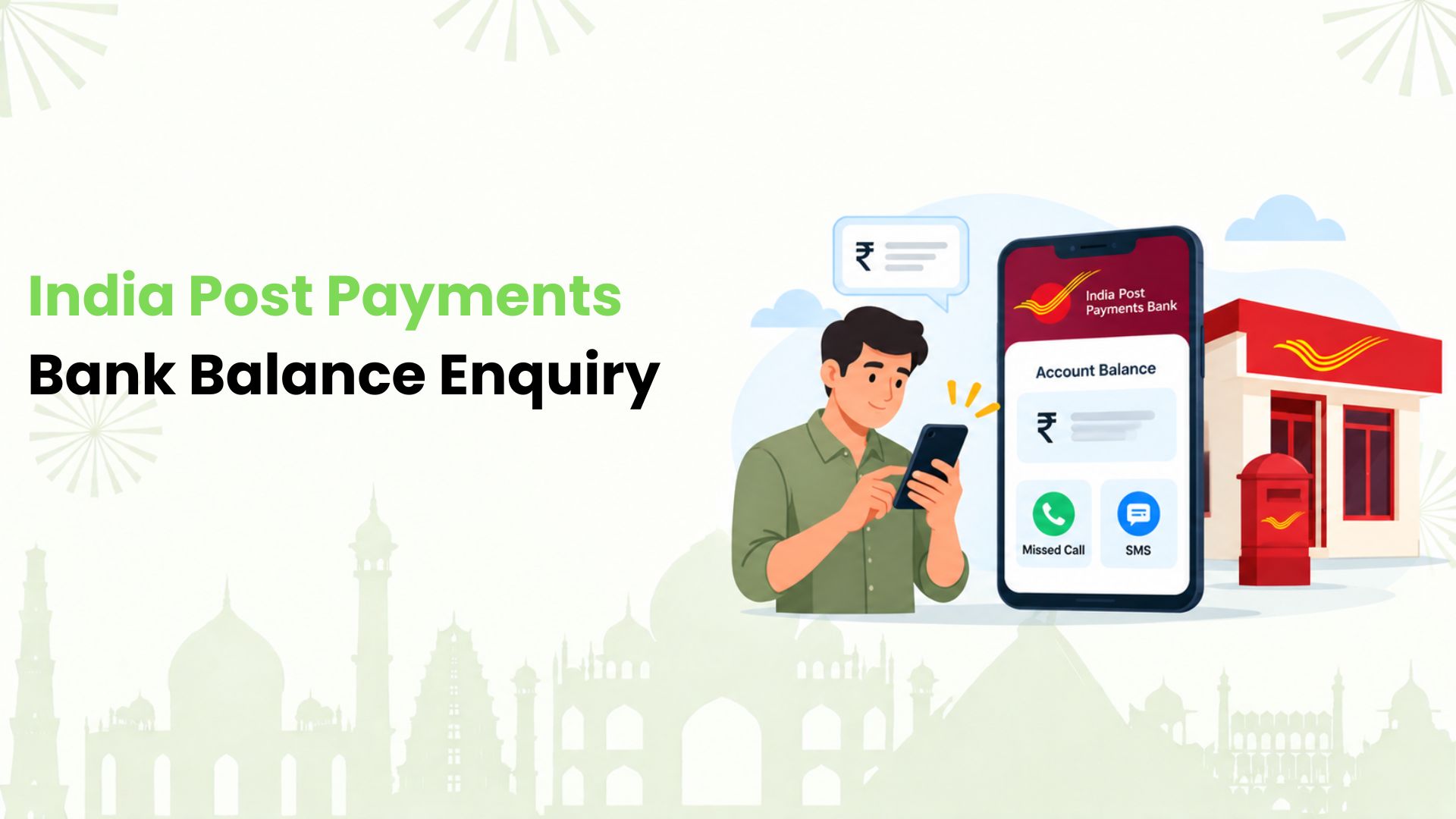
India Post Payments Bank balance enquiry starts with a missed call to 9910223398 or 7799022509 from your registered mobile number. For IPPB account holders using this service for the first time, registration comes first. We’ll walk you through that step, then cover SMS, the mobile app and assisted options.
Whether you’re checking a recent deposit or planning your grocery spend, we’ll help you find a method that suits your phone and internet access.
Check Your Balance With a Missed Call
We suggest this option when you want account information without mobile data. IPPB’s missed-call service works on basic phones and smartphones, around the clock.
- Register by giving a missed call to 9650121379 or 8424054994 from the mobile number linked to your IPPB savings or current account.
- Once registered, give a missed call to either balance enquiry number in the introduction.
- Check the bank’s SMS response for your balance.
The registration number activates the service. It is different from the number used for each balance check. On a dual-SIM phone, we recommend checking which SIM is making the call.
For recent transactions instead of just the balance, give a missed call to 9910285326 or 7799022708 for a mini statement.
Get Account Details by SMS
If you prefer sending a message, we can use IPPB’s SMS banking service without internet access. Keep the mobile number linked to your account active.
- Send REGISTER to 9910228664 or 7669034700 to register for SMS banking.
- Send BAL to either of those SMS banking numbers when you need your balance.
- Send MINI to the same number when you need a mini statement.
We do not need to add an account number to either command.
Use the IPPB Mobile App
We recommend the app when you also want to view statements or manage other account services. Start with the official IPPB Mobile Banking app from Google Play or Apple’s App Store.
For an existing account, we follow this registration sequence:
- Keep your registered mobile number, account number, Customer ID (CIF) and date of birth ready.
- Complete the app’s security checks and enter the requested details.
- Set the security questions and MPIN, then complete OTP authentication as prompted.
- Log in and open the account balance option.
Already registered? We can go straight to login and the balance enquiry option. Screen labels may change with app updates, so follow the prompts in the current version.
Get Help by Phone or at a Post Office
For account-related help, we can call IPPB on 155299 and follow the automated menu or speak to an agent. The service supports balance and transaction enquiries.
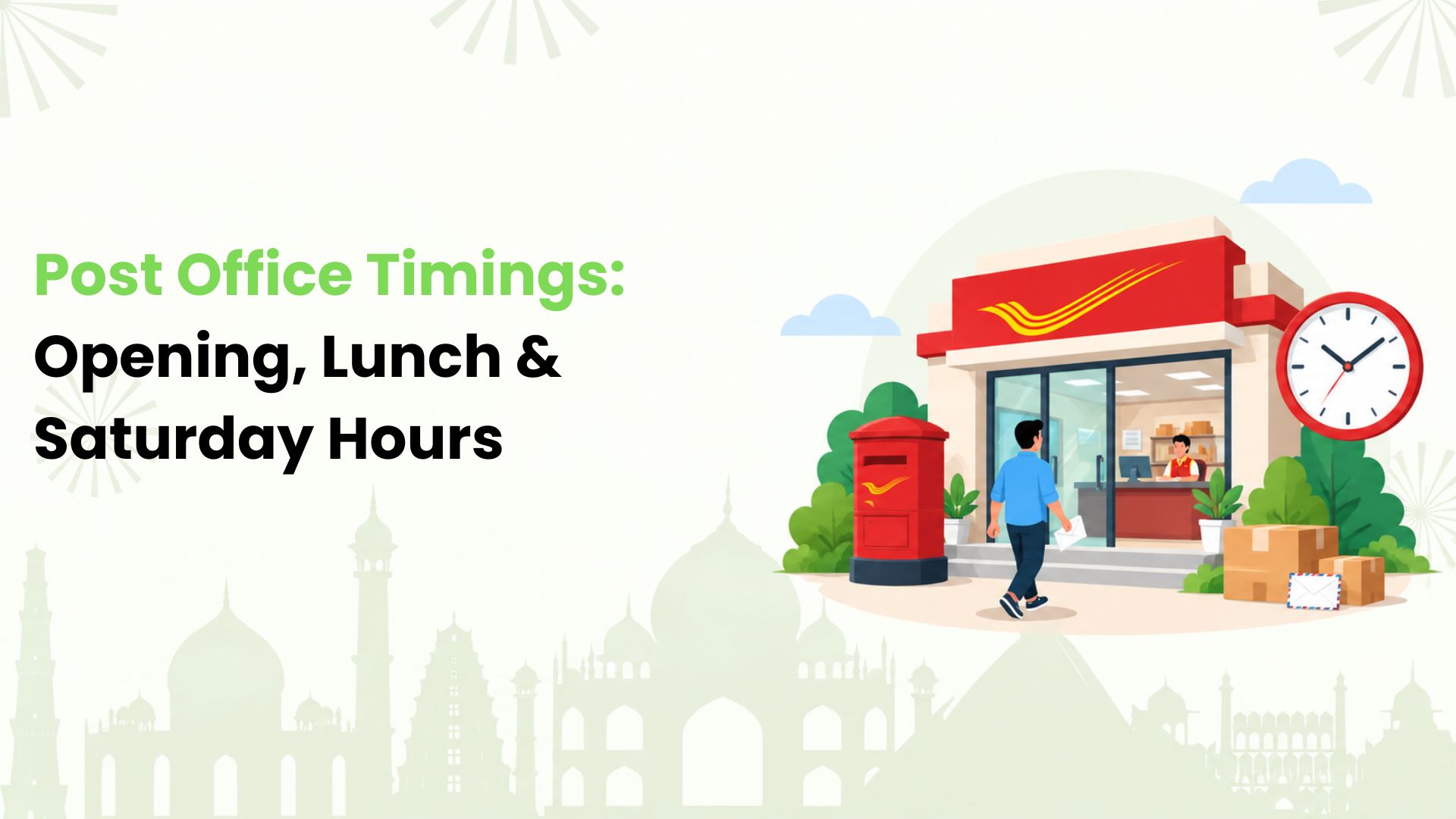
If phone banking does not resolve the issue, we suggest visiting a post office offering IPPB services. Ask for a balance enquiry and complete the bank’s identity checks.
If visiting a post office is difficult, we suggest asking IPPB whether doorstep assistance is available for your account-related request. We can contact the call centre or local post office to discuss a visit. Availability depends on service slots.
Make Everyday UPI Payments Work Harder with Kiwi
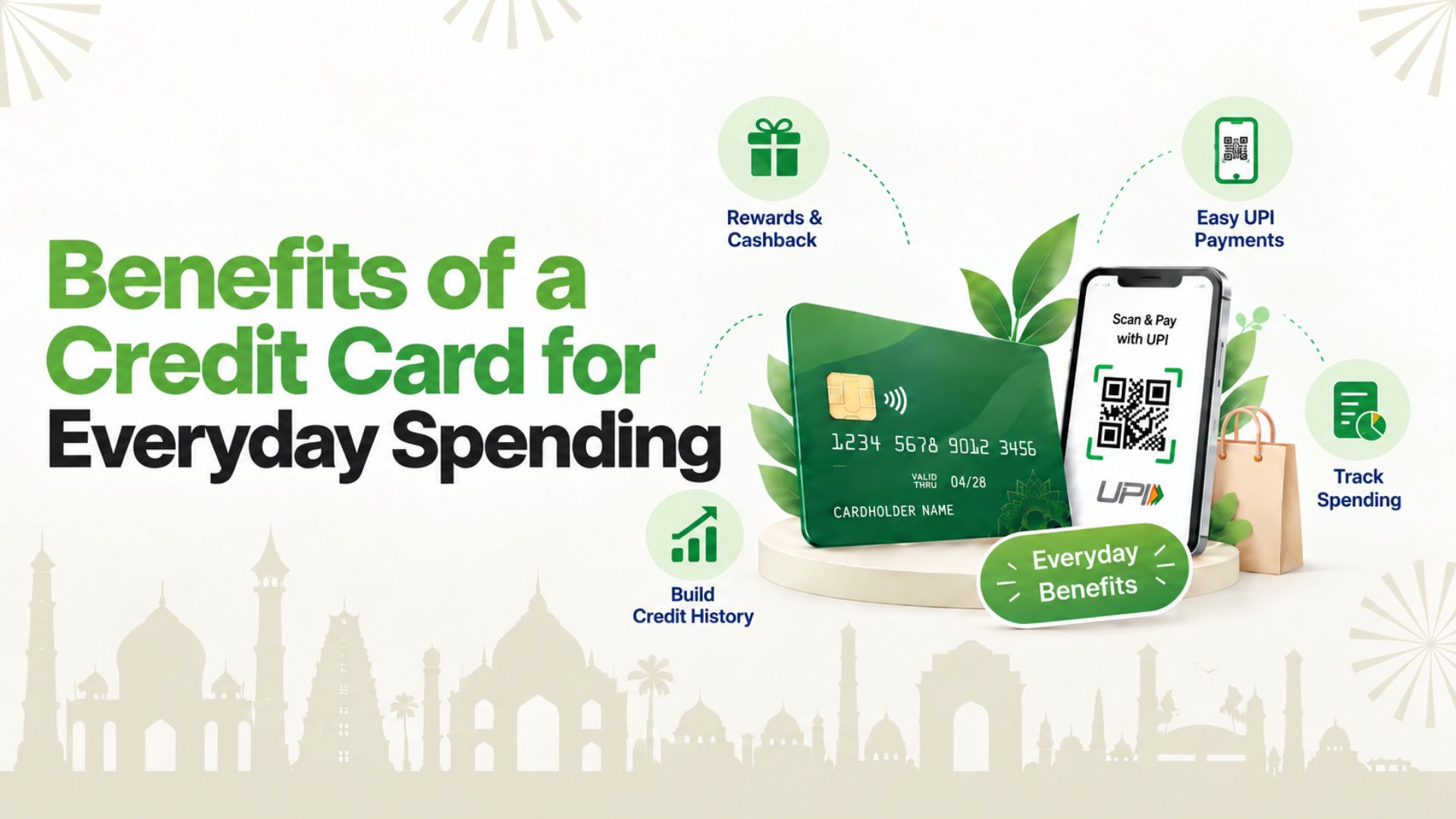
Once we know our balance, we can plan what to spend. For everyday merchant payments, we also offer a way to use an eligible RuPay credit card on UPI through Kiwi.
Our guide to UPI credit cards explains the basics. Think groceries or a scan-and-pay purchase at an eligible merchant, with cashback subject to the applicable card and offer terms. We recommend checking our terms and conditions before applying. Card approval depends on the partner bank’s criteria, and credit spends must be repaid.
Ready to get more from the payments you already make? Explore Kiwi for your next everyday UPI payment.
FAQs
Why Haven’t I Received a Balance SMS?
We would first check that the call or message came from the registered SIM and that service registration is complete. Check your mobile signal and incoming messages, then retry later. If it still fails, contact IPPB.
What if I No Longer Have My Registered Mobile Number?
We suggest contacting IPPB for the process to update your number. Sending a balance request from an unrelated number will not replace the registered-number requirement. The bank can explain the identity checks needed.
What Should I do if I Forget My App MPIN?
We recommend using the official app’s MPIN reset or recovery option and following its verification prompts. If you cannot complete the process, contact IPPB. Never share your MPIN or OTP with someone offering to reset it.
Is My IPPB Balance the Same as My Post Office Savings Balance?
No. We need to distinguish an IPPB account from a Post Office Savings Account (POSA). They are separate accounts, even when linked for transfers. Check which account’s balance you need before making an enquiry.
Can I Insert My IPPB QR Card into an ATM?
We should not treat an IPPB QR card as a conventional ATM card. Its QR code identifies the account for supported assisted services. Use the bank’s balance enquiry channels rather than trying to insert it into an ATM.
Will Calling or Texting IPPB use My Mobile Plan?
We recommend checking your telecom plan before calling or sending an SMS. IPPB notes that calls to its contact centre can attract telecom charges. Avoid assuming every balance enquiry method is toll-free or outside your plan’s charges.
Disclaimer: This article is for general informational purposes only and is not affiliated with, endorsed by, or published on behalf of India Post Payments Bank (IPPB) or India Post. Balance enquiry numbers, SMS commands, app features, service availability and charges may change over time. Readers should verify the latest information through the official IPPB website, mobile app or authorised customer support before using any banking service. Kiwi does not provide or manage IPPB banking services.