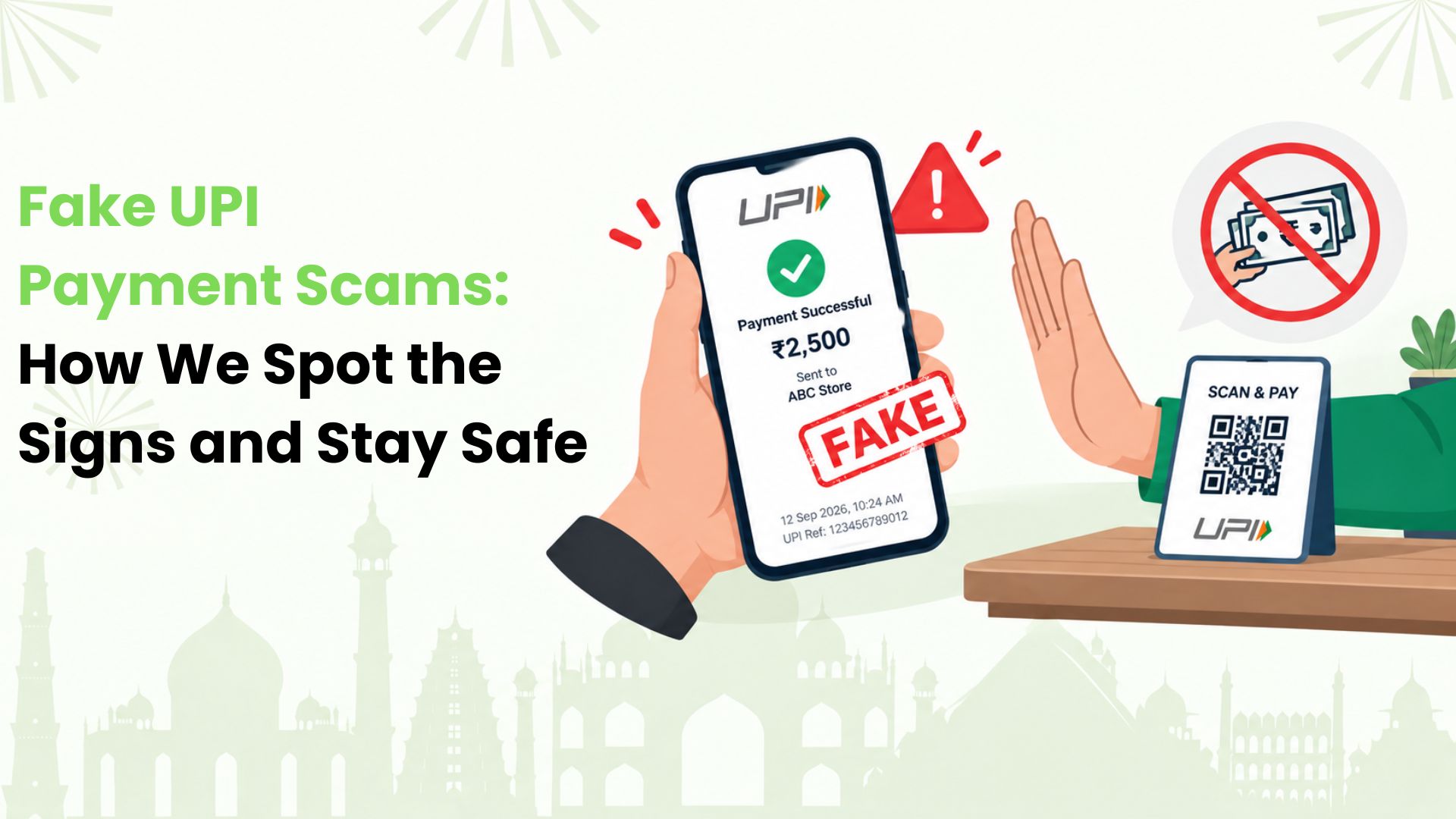
Fake UPI payment scams can catch us off guard when a payment looks complete. For Indian shopkeepers, online sellers and everyday UPI users, that moment can mean handing over goods or cash before any money arrives.
At Kiwi, we want payment safety to feel easy to understand. Our starting point is simple: we confirm an incoming payment in our own bank or payment app before acting on it. A screenshot on someone else’s phone cannot do that job.
Here is how we can recognise the tricks, check a doubtful payment and get help quickly.
What Actually Happens in a Fake Payment Scam?
A fake payment scam creates the impression that money has moved when it has not. Someone might show us an edited receipt, a copied app screen or a message that looks like a bank alert.
Imagine we are selling a used desk for ₹2,500. The buyer shows a green tick and our name on their phone. They ask to load the desk into a waiting vehicle. If we treat that screen as confirmation, we could lose the desk without receiving payment.
The scam depends on our decision to trust the display. We do not need to identify the software behind it to protect ourselves.
Four Tricks We Should Recognise
1. A Receipt that Looks Convincing
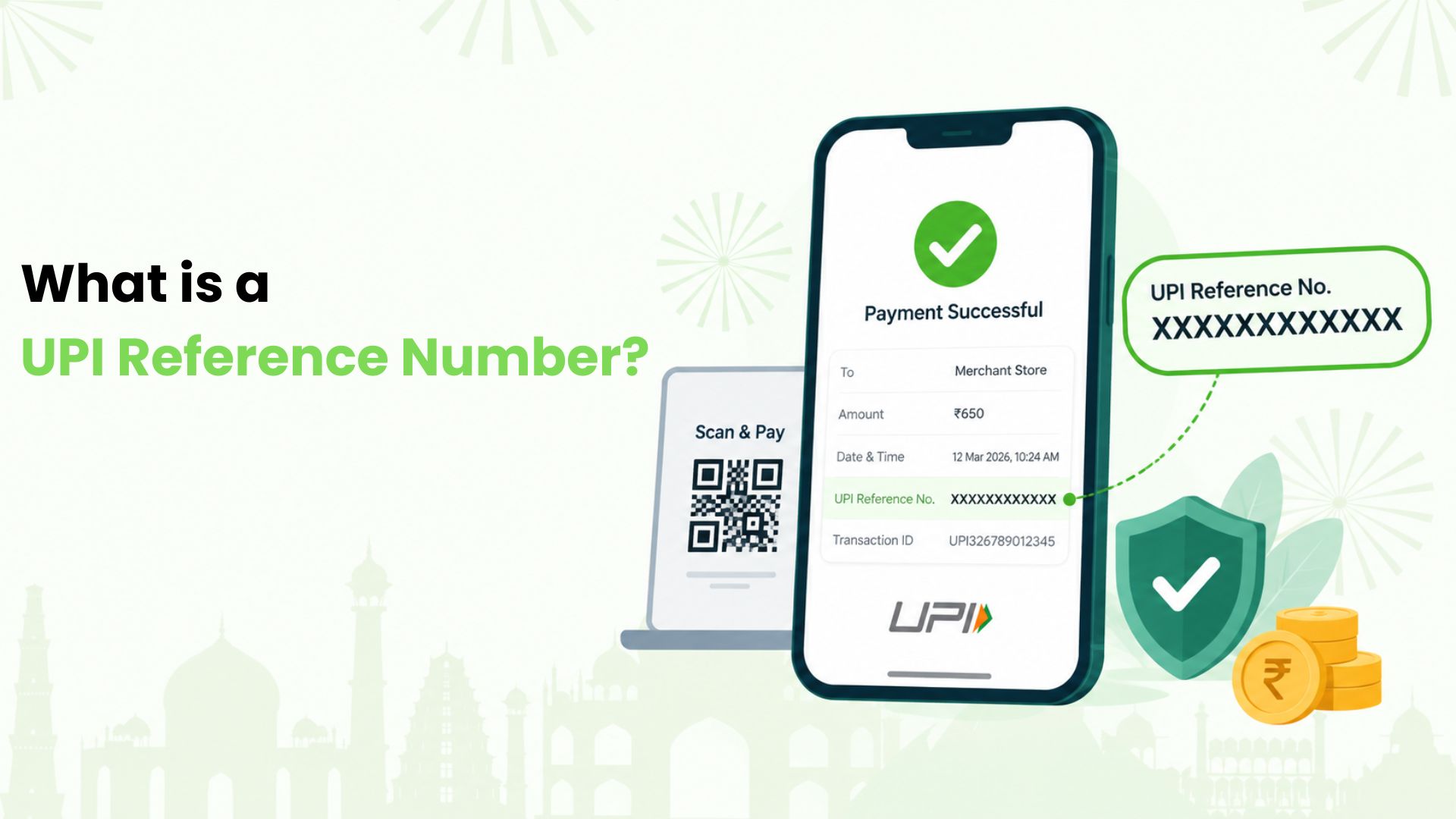
A screenshot may show the expected amount, today’s date and a transaction reference. A counterfeit app can also display a convincing success screen. We should treat either as a claim that payment was made, not independent confirmation.
2. A Message that Imitates a Credit Alert
A fraudster may send a message that resembles a bank SMS or forward an apparent payment notification. We can miss the deception if we glance only at the amount. The sender’s message does not replace our own account record.
3. A Request to Return “Extra” Money
Someone might claim to have sent ₹5,000 instead of ₹500 and ask us to return ₹4,500 immediately. Another version asks us to exchange a supposed UPI transfer for cash. Both create a reason for us to part with real money before checking the incoming payment.
4. A QR Code to “Receive” Money
A caller may ask us to scan their QR code and enter our UPI PIN to collect a refund or payment. We do not need to enter a UPI PIN to receive money. If those steps are presented as a condition for receiving funds, we should stop.
Warning Signs that Deserve a Pause
We should slow down when someone refuses to let us check our phone, pressures us to release an order, or asks us to trust a cropped image. A mismatch in the amount, recipient or date also deserves attention.
However, we should not turn small visual clues into a test of authenticity. A neat screenshot can be false. Our focus should stay on whether the transaction is confirmed through our own payment provider.
We can keep the conversation calm: “I’ll finish the handover once I’ve checked the payment.” There is no need to accuse anyone while we verify.
Our Checklist for Confirming an Incoming Payment
We recommend following these steps in order:
1. Open our own app. We use the bank, UPI or merchant payment app linked to the receiving account. We open it directly rather than through a link sent by the payer.
2. Find the individual transaction. We look for the incoming payment in our history. A glance at the total balance may not distinguish it from another recent credit.
3. Match the details. We compare the amount, time and available payer details with the sale. If needed, we use the transaction reference to ask our bank or provider to trace the payment.
4. Read the status. We check for a confirmed receipt. If the record is missing, pending or unclear, we pause the handover and contact support through our app or bank’s official channel.
For a business, we check its merchant payment records and settlement arrangement. We should not confuse a later settlement into the bank account with a missing customer payment.
We also avoid asking someone to pay repeatedly while the first attempt is unresolved. That can create a separate duplicate-payment problem.
What We Should do if Fraud has Happened
If we have sent money, handed over goods or exposed account details, speed matters. We can take these steps without waiting for the other person to reply:
- Contact our bank or payment provider. We explain what happened and report any unauthorised transaction. If account access may be compromised, we ask about blocking the affected payment facility.
- Call 1930 promptly. This is India’s helpline for financial cyber fraud. We also file a complaint on the National Cyber Crime Reporting Portal and follow the reporting instructions provided.
- Preserve the evidence. We save chats, phone numbers, receipts, order details and any transaction references. We note the time, amount and sequence of events while they are fresh.
- Secure affected access. If we disclosed a PIN or password, we change it through the genuine app or bank process. We never share an OTP or PIN with someone claiming to recover our money.
We keep complaint acknowledgements so we can follow up. Reporting quickly may help recovery efforts, but we should not expect a guaranteed refund or pay a stranger a “recovery fee”.
Habits that Make Busy Payment Moments Easier
We can reduce rushed decisions by preparing before a problem arises:
- We keep our payment apps updated and use a screen lock on our phone.
- We keep our UPI PIN and OTPs private, even when a caller claims to represent a bank.
- We use support details inside the genuine app or on the bank’s official website.
- If we run a shop, we give each person handling payments the same checking routine. We agree who confirms a receipt before an order leaves.
These habits make it easier to respond consistently when a queue builds up or a buyer is impatient.
Our Next Scan and Pay, With More Clarity
At Kiwi, we help users explore UPI on credit for eligible merchant payments, such as paying for groceries at a supported shop. This uses an eligible RuPay credit card and is subject to issuer and transaction rules.
Ready to see how credit can fit into your everyday scan and pay routine? Explore UPI on credit with Kiwi, understand how it works and decide whether it suits your needs. We believe a useful payment habit starts with knowing what we are approving.
FAQs
Can a screenshot-checking tool prove that money arrived?
We should not use an image-checking tool as proof of payment. It may flag editing, but examining a picture cannot establish that our account received funds. We also avoid uploading financial screenshots to unfamiliar services.
What if we did not receive an SMS?
We do not assume fraud from a missing SMS alone. Notifications can be delayed or missed. We check the payment record and ask our bank or provider to resolve any difference.
Can we report the incident without a transaction ID?
We should still report it. In a fabricated-payment scam, there may be no genuine transfer to reference. We provide the evidence we do have, such as the buyer’s messages and the details of the goods handed over.
Disclaimer: This article is provided for general informational and educational purposes only and should not be considered financial, legal, cybersecurity, or professional advice. Information about UPI, payment fraud, reporting procedures, helplines, and security practices may change over time. Readers should verify the latest information with their bank, UPI service provider, NPCI, or official government sources before taking action. Kiwi does not guarantee the prevention or recovery of losses resulting from fraud or unauthorised transactions. In case of suspected financial cyber fraud, report the incident promptly through the appropriate official channels.