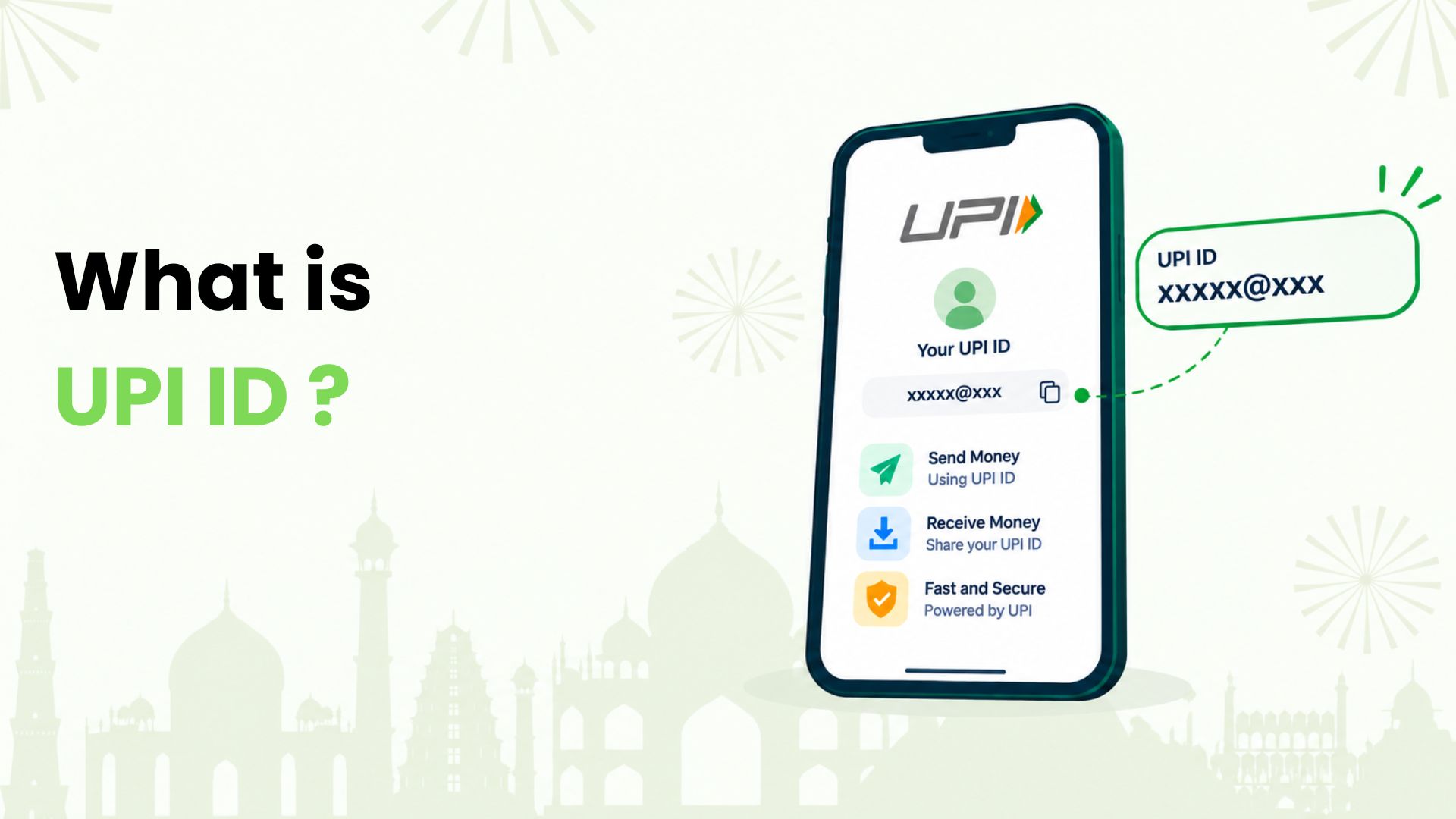
What is UPI ID? If you are new to UPI payments in India, we can start with one simple idea: it is your payment address.
A UPI ID identifies you on the Unified Payments Interface (UPI). It is also called a Virtual Payment Address, or VPA. For bank-account payments, it lets us send or receive money without exchanging account numbers and IFSC codes.
At Kiwi, we want everyday payments to be easy to understand. Here is our guide to reading a UPI ID, finding yours and using it with care.
How We Read a UPI ID
We can break the usual UPI ID format into two parts: username@handle.
Take readername@oksbi as an illustration:
- readername is the user identifier. Depending on the app, this may come from a name, mobile number or an automatically generated value.
- @ separates the two parts.
- oksbi is the payment service provider’s handle. It helps route the payment through the UPI system.
The handle does not necessarily tell us which bank holds the person’s account. An app can work with a partner bank to provide UPI IDs for accounts held at other banks.
This example shows the format only. We should copy an actual payment address from the app or get it directly from the recipient, rather than guess one from their name.
UPI ID, UPI Number and UPI PIN: What Each Does
These names sound similar, but we use them for different purposes:
- UPI ID: The address with an @ symbol that identifies a payment destination.
- UPI Number: A numeric alias linked to a UPI ID. It can be a mobile number or, where supported, a chosen 8–9 digit number. We need to set it up through the app; a registered mobile number does not automatically serve this role.
- UPI PIN: A private four- or six-digit code used to authorise payments. We must never share it with anyone.
An ID or Number helps someone find where to pay. A PIN gives authorisation. Keeping this distinction clear helps us avoid sharing the wrong information.
How We Set Up and Find a UPI ID
Setting Up UPI For a Bank Account
We can usually follow these steps in a UPI-enabled app:
- Register using the mobile number linked to the bank account.
- Complete the app’s mobile verification and choose the bank.
- Select the account the app finds and follow the linking instructions.
- Set up a UPI PIN if needed, using the verification method offered by the bank and app.
- Check the UPI ID created for the account. Some apps offer choices; others generate the ID automatically.
If the bank account does not appear, we should first check whether the verified mobile number matches the bank’s records.
Finding an Existing ID
We can start in the app’s profile, bank-account or payment-settings section. Labels vary, but options such as UPI ID or Manage UPI IDs are useful places to look.
Where several accounts appear, we should open the relevant account before copying its ID. Copying the full address helps avoid missed characters or an incorrect handle.
How We Send and Receive Money
For a regular bank-account payment, we can use this simple flow:
- Open the option to pay a UPI ID, then enter the recipient’s address. Scanning their UPI QR code is another way to fill in payment details.
- Check the recipient name shown by the app. If it differs from the person or business you intend to pay, pause and confirm the details.
- Enter the amount and confirm which bank account will fund the payment.
- Review the details and authorise the payment as prompted, normally with the UPI PIN.
- Check the transaction status before treating the payment as complete.
To receive a bank-account transfer, we share the UPI ID linked to the account where we want the money to arrive. The sender completes the payment from their app.
We do not need to enter a UPI PIN or scan a QR code to receive money. We should confirm the credit in our own transaction history or bank account, rather than rely on a screenshot sent by someone else.
What We Check Before Sharing or Paying
A UPI ID is designed to be shared for payments. Still, we need to consider what it reveals. An ID containing a mobile number exposes that number to the person receiving it.
We also follow a few practical checks:
- Protect one-time codes: Never disclose an OTP to someone claiming to help with a payment or cashback.
- Read the request: Check whether the screen asks us to pay, approve a mandate or do something else before confirming.
- Check a pending payment: Review its status and use in-app support before sending the same amount again.
Make Your Next Merchant Payment Count with Kiwi
Once we understand the payment address, we can look at how we fund a purchase. At Kiwi, we help you use an eligible RuPay credit card on UPI for merchant payments, such as groceries or dining at participating outlets.
This uses the card’s available credit instead of directly debiting a savings account. It is for eligible merchant payments, not transfers to friends or family. Card approval depends on the issuing bank’s criteria, and the bill must be repaid under its terms.
Ready to get more from your next grocery run? Explore UPI on credit with Kiwi and see how eligible purchases can earn cashback. Check the applicable card and offer conditions in our terms and conditions.
FAQs
Can We Have More Than One UPI ID for a Bank Account?
Yes. Apps can support multiple UPI IDs for the same account. The number available depends on the app. We should check the account attached to each ID so we know where incoming payments will go.
Can We Change Our UPI ID?
It depends on the app. Some let us add or remove IDs, but editing an existing username may not be supported. We can check the app’s ID-management options and share the active address after making a change.
What Should We do if a UPI ID Appears Invalid?
We can check for typing errors, missing characters and the correct handle. Then ask the recipient to copy their current ID from the app. If the details are correct and the issue continues, use the app’s support option.
Disclaimer: The information provided in this article is for general informational and educational purposes only and should not be considered financial, banking, or payment advice. UPI IDs, UPI Numbers, UPI PINs, transaction processes, and payment features may vary across banks and UPI apps and may change over time. Users should verify payment details through their bank or payment app before completing a transaction. Kiwi-related information is subject to applicable eligibility criteria, partner-bank requirements, product terms, conditions, and rewards policies.