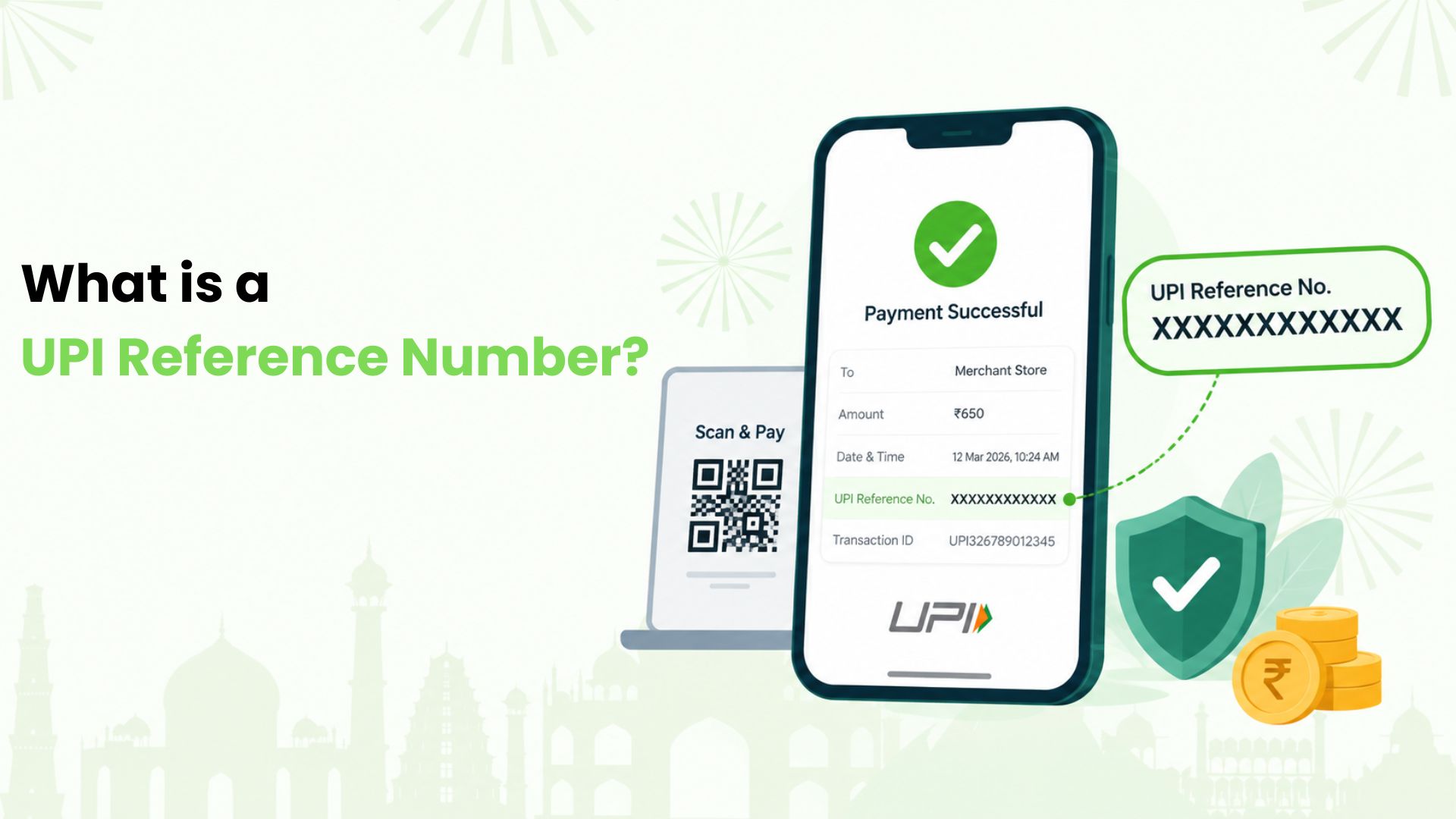
A UPI reference number is a 12-digit number that identifies a UPI payment. For those of us in India who scan and pay for everyday purchases, it helps answer a familiar question: what happened to that payment?
We can think of it as the receipt number for a transaction. When a payment needs checking, it gives our bank or payment app a specific record to investigate.
In this guide, we’ll explain what the number means, where we can find it and how we can use it when a payment needs attention.
What the 12-Digit Number Tells Us
The reference number identifies a particular transaction. We do not choose it or create it ourselves. It is generated as part of processing the payment.
We may see it labelled UPI reference number, bank reference number or RRN, short for Retrieval Reference Number. Some apps use UTR, meaning Unique Transaction Reference. The wording can vary between apps and banks.
For example, suppose we pay ₹650 for groceries. The payment details might show a reference such as 62551234XXXX. This is an illustrative number, not a real payment record.
If the shop needs help locating our payment, we can provide the reference along with the amount and date. Those details help distinguish our purchase from other payments.
The number alone does not tell us whether the money arrived. We still need to check the payment status and the recipient’s account record.
UPI Reference Number, UPI ID and Transaction ID: The Difference
These labels sound similar, but we use them for different purposes.
- UPI reference number: We use this payment reference when asking a bank or support team to trace a transaction.
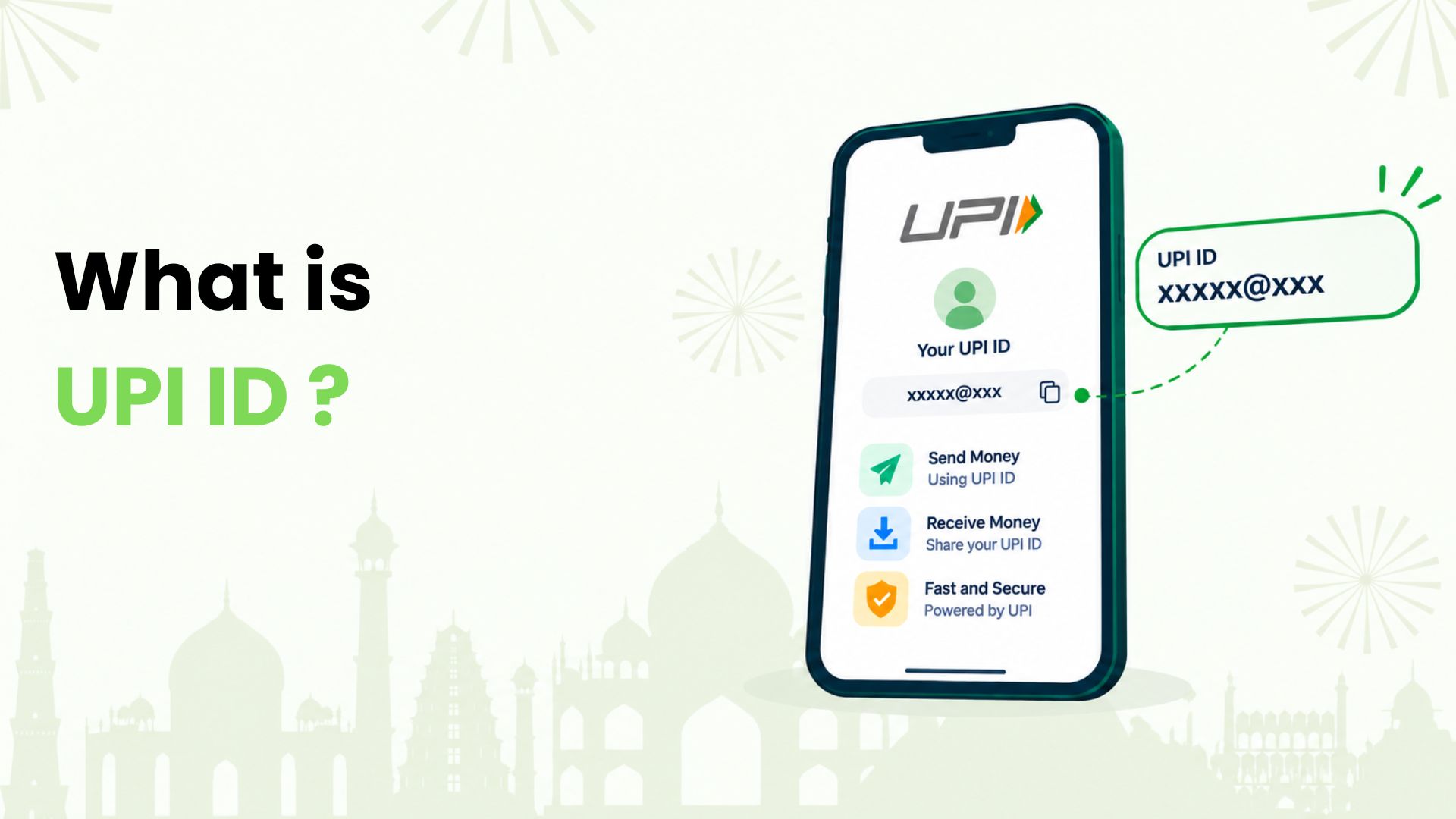
- UPI ID: This is a payment address, often written in a format such as name@bank. We use it to send or receive money.
- App transaction ID: An app may display its own identifier alongside the bank reference. Its format can include letters and numbers.
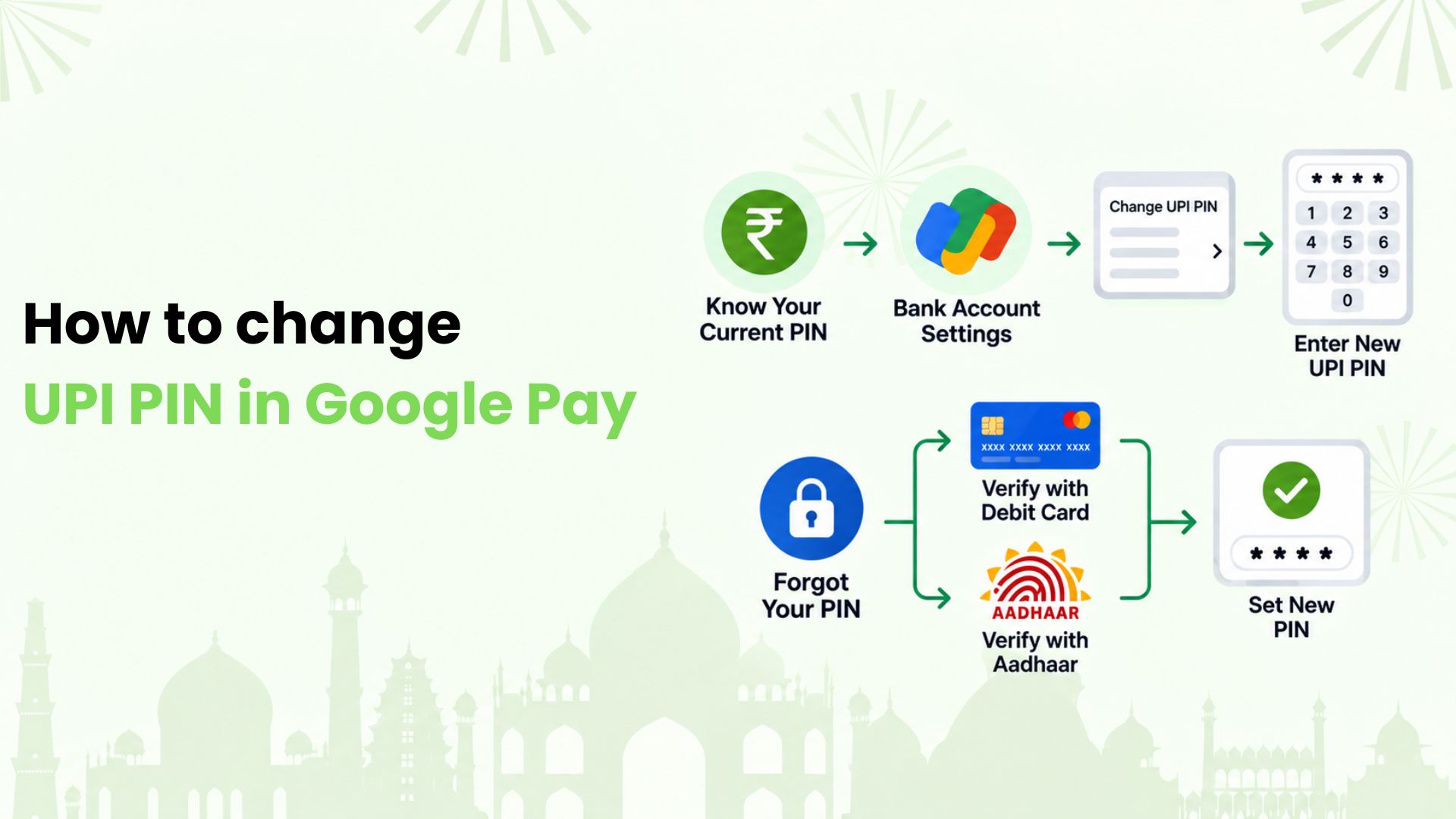
- UPI PIN: This is our private code used to authorise a payment.
We should read the labels carefully rather than assume every field called “transaction ID” has the same meaning. If support asks for the bank reference or RRN, we should copy that specific field.
How We Can Find Our UPI Reference Number
We’ll usually start with the app used to make the payment.
In Our Payment App
- Open the payment app and go to its transaction or payment history.
- Select the payment by checking the recipient, date and amount.
- Open the full transaction details.
- Look for the bank reference, UPI reference, RRN or UTR field.
- Copy the number carefully if we need it for a query.
For example, Google Pay lets us open “See transaction history” and select a payment to view its details. In Paytm, we can start with “Balance & History”. Menu names may change with app updates.
We should begin in the app we actually used. A payment made through one app may not appear in another app’s history, even when both are linked to the same account.
In Our Bank Records
If we cannot access the original app, we can check our bank statement, passbook or banking app. The reference may appear in the transaction description beside the UPI debit or credit.
We can narrow the search using the payment date and amount. If the description is shortened or the reference is missing, we can ask our bank to help locate the transaction.
How We Use the Number to Check a Payment
UPI reference number tracking starts with our own payment records and official support channels. We should avoid entering payment details into unfamiliar tracking websites.
When the Payment Is Pending
We first check the status in the original app. If it is still processing, we should avoid immediately repeating the payment. A second attempt could result in another debit if both payments eventually succeed.
We can follow the app’s displayed guidance and contact support if the payment remains unresolved. The reference helps support locate the correct record.
When Money Was Debited but the Recipient Cannot See It
We compare the amount, recipient details and status in our app with our bank record. We can then ask the recipient to check their own account activity.
If the records do not match, we raise a query through the app or bank. We keep the reference number, date, amount and a short description of the issue ready. We also save any separate complaint number for follow-up.
When We Are Following Up on a Refund
We can share the original payment reference with the merchant’s official support team to identify the purchase. If a refund has been issued, we can ask for its date, amount and any separate refund reference.
We then check the relevant account for the credit. Having a reference helps an investigation; it does not guarantee an immediate refund.
How We Share Payment Details Carefully
We can provide the reference to our bank, official app support or the merchant involved when it is needed to resolve a query. We should avoid posting complete receipts publicly because they may reveal other personal details.
We never share our UPI PIN or OTP to verify a reference number. If someone sends us a payment screenshot, we check our own account before treating the payment as received.
Make Our Next Everyday Payment More Rewarding
At Kiwi, we help bring RuPay credit cards to UPI for eligible merchant payments, such as groceries and dining. We keep the focus on everyday usefulness, with cashback on eligible spends under the applicable card and offer terms.
Ready to get more from the QR codes we already scan? Explore UPI on credit with Kiwi and see how it fits our everyday merchant payments. Credit card approval is subject to partner-bank eligibility criteria.
FAQs
Can We Choose or Change the Reference Number?
No. It is generated during payment processing. We cannot edit it or assign an old reference to a new payment.
Can We Find It After Changing Phones?
We can check the original app’s available history after signing in, or use our bank records. Changing phones does not remove the bank’s record of the payment.
Is the Complaint Number the Same as the Payment Reference?
No. We use the payment reference to identify the transaction. A complaint reference identifies the support case raised about it. We should retain both while the case is open.
Disclaimer: The information provided in this article is for general informational and educational purposes only and should not be considered financial, banking, or payment advice. UPI reference numbers, RRN, UTR, transaction statuses, limits, refunds, and dispute-resolution processes may vary across banks, payment apps, merchants, and payment service providers and may change over time. A reference number helps identify a transaction but does not by itself confirm that a payment has been successfully received or refunded. Users should verify transaction details through their bank, payment app, merchant, or other official support channels. Kiwi-related information is subject to applicable eligibility criteria, partner-bank requirements, product terms, conditions, and rewards policies.